Snapora – Screenshot & Screen Recorder icon

Snapora Chrome Extension Analysis

Video & Image Downloaders

Store listing title: Snapora – Screenshot & Screen Recorder

Chrome extension ID: aafhenhfmcfdbmafpkkjckcflgmpfkmi

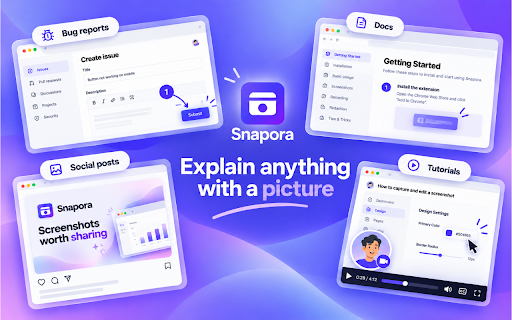
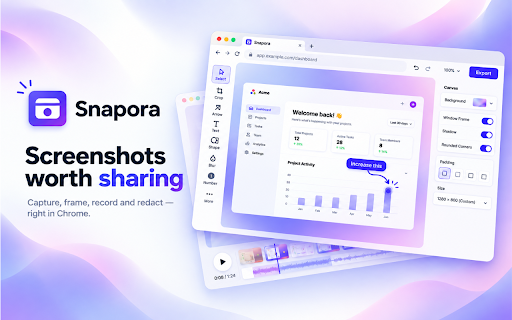
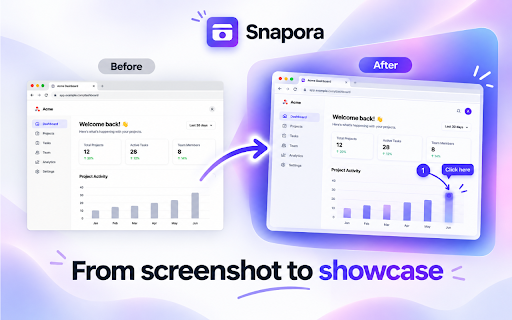
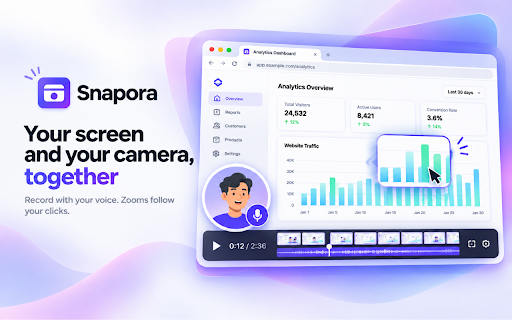
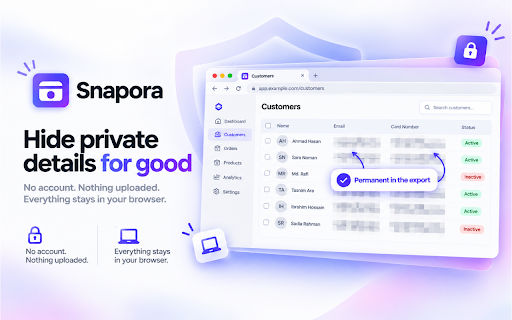
Snapora is a browser-based utility that allows users to capture full-page, region-specific, or element-based screenshots and record screen sessions. It includes built-in editing features like annotations, text blurring for privacy, and video trimming, all while maintaining data strictly on the user's device.

Developer:Ibrahim Riaz
Version:1.5.0
Size:15.16MiB
Last updated:

Overview

Installs

5

Rating

★ —

0 reviews

Languages

50 locales

Includes Deutsch, English, Filipino, Indonesia...

Market analysis

Review-backed positioning, friction, and market signals for this Chrome extension.

No review samples found

Macro category

Video & Image Downloaders

Pricing friction

Low review signal

Complaint intensity

Low review signal

Listing & review signals
Observed signals from store listing text and review samples.

Listing positioning

Snapora positions itself as a private, on-device tool for capturing screenshots and screen recordings without requiring accounts or cloud uploads. It emphasizes local data security and a comprehensive suite of editing and annotation tools for web-based media.

Inferred product pattern

Privacy-first local utility with Pro upsell for branding removal and higher resolution exports.

Review-backed pain points

Review-backed data is not available.

Observed feature gaps

Review-backed data is not available.

Tags
ScreenshotScreen RecorderPrivacy FocusedNo Account
Target users

- Content creators

- UI/UX Designers

- Remote workers

- Privacy-conscious professionals

Primary use cases

- Full-page web capture

- Screen recording with webcam and audio

- Annotation and blurring of sensitive information

- Quick video trimming and editing

Positive themes

No positive theme data.

Negative themes

No negative theme data.

Observed friction

- Review-backed data is not available.

Evidence boundary: The data is sourced directly from the Chrome Web Store listing details. No user reviews exist for this product at this time. Evidence is limited to the developer's provided listing content; actual user experience and reliability cannot be verified without review data.
Complaint summaries
Review-backed complaint signals grouped by operational area.

Support

Review-backed data is not available.

Reliability

Review-backed data is not available.

Privacy

Review-backed data is not available.

Access & pricing

- Free entry with paid features

- No account requirement observed

- Limited free usage observed

Store listing facts

Listing assets

- Screenshots: 5

- Videos: 1

- Languages: 50

Trust signals

- Privacy policy

- Developer contact

- Official website

Store metadata

- Version: 1.5.0

- Size: 15.16MiB

- Last updated:

Listing SEO keywords

Search intent keywords
Keyword signals for evaluating how users may discover, compare, or search for this extension category.

Core discovery

chrome screenshot extensionprivate screen recorderfull page capturewebpage annotation tool

Comparison

Snapora vs GoFullPageSnapora vs Loom

Problem

no account screen recorderprivate screenshot tool

Alternative

best free screenshot extensionoffline recording tool

Similar extensions

Jump to related discovery paths:

Screenshots

Snapora – Screenshot & Screen Recorder screenshot

Links

Recommended Chrome extensions

Related listings from the same category, trending peers, and the same publisher portfolio.

Browse tools