Music Mode for YouTube™ icon

Music Mode for YouTube™ Chrome Extension Analysis

Automation & Workflow Efficiency

Chrome extension ID: abbpaepbpakcpipajigmlpnhlnbennna

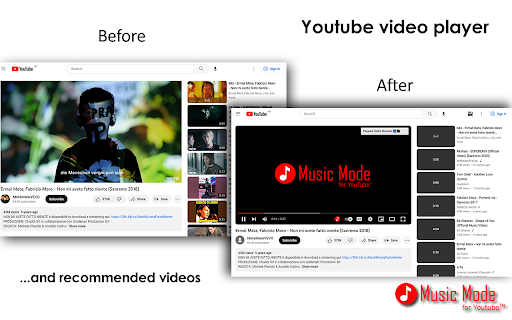
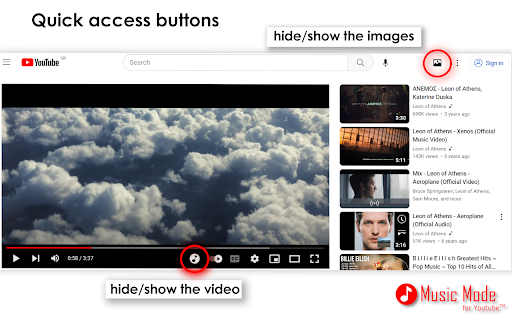
A browser utility that hides videos, thumbnails, and avatars on YouTube platforms. It aims to provide an uninterrupted audio-only experience for users listening to music.

Developer:Thunderarea
Version:6.5.21
Size:110KiB
Last updated:

Overview

Installs

70K+

Rating

4.6

550 reviews

Languages

7 locales

Includes English, español, italiano, Ελληνικά...

Market analysis

Review-backed positioning, friction, and market signals for this Chrome extension.

Backed by review samples

Macro category

Automation & Workflow Efficiency

Pricing friction

Low review signal

Complaint intensity

Moderate review signal

Listing & review signals
Observed signals from store listing text and review samples.

Listing positioning

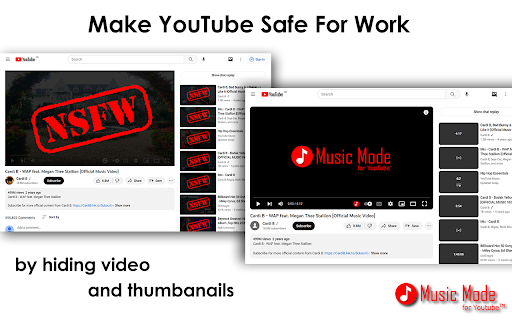
The extension positions itself as a tool to reduce distractions and hide NSFW content on YouTube and YouTube Music. It claims to save bandwidth and reduce CPU/GPU usage by blocking video playback while allowing audio to continue.

Inferred product pattern

A utility extension that uses CSS/DOM manipulation to overlay or hide video elements on YouTube to simulate an audio-only interface.

Review-backed pain points

Users report that the extension does not actually save bandwidth as claimed, because the video continues to load in the background. Other issues include settings resetting upon extension updates and bugs causing audio to stop during ads.

Observed feature gaps

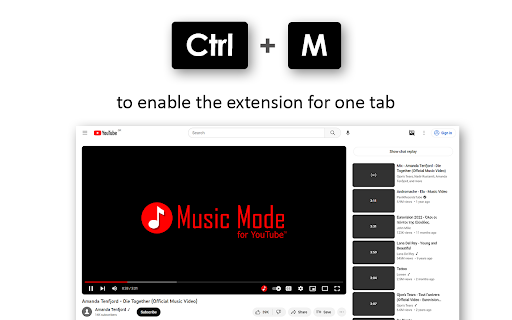
Users desire the ability to show a static video thumbnail instead of a black background, a persistent 'auto-on' setting for specific tabs, and larger playback controls.

Tags
YouTube Music UtilityDistraction BlockerAudio Only Mode
Target users

- Music listeners

- Students and focused workers

- Data-conscious users

Primary use cases

- Uninterrupted music listening

- Reducing visual distractions on YouTube

- Minimizing YouTube UI clutter

Positive themes

- Effective distraction reduction

- Useful for YouTube Music interface

Negative themes

- Inaccurate bandwidth saving claims

- Settings not persisting after updates

- Bugs with ad-blocking and playback

Observed friction

- Performance complaints detected

- No direct pricing friction observed; the developer requests voluntary donations via Patreon and Buy Me a Coffee.

Evidence boundary: Evidence is drawn from the store description claims and user reviews regarding performance, bandwidth, and technical bugs. The review sample size is relatively small compared to the total user base, and some performance claims are based on individual user observations.
Complaint summaries
Review-backed complaint signals grouped by operational area.

Support

No specific support or account-related complaints found in reviews.

Reliability

Users report bugs where the extension stops working, causes infinite loading, or breaks playback when ads occur.

Privacy

No privacy or security complaints reported.

Access & pricing

- No clear monetization signal

- No account requirement observed

- Free plan or free usage claimed

Store listing facts

Listing assets

- Screenshots: 5

- Videos: 0

- Languages: 7

Trust signals

- Developer contact

Store metadata

- Version: 6.5.21

- Size: 110KiB

- Last updated:

Listing SEO keywords

Search intent keywords
Keyword signals for evaluating how users may discover, compare, or search for this extension category.

Core discovery

YouTube music modehide youtube videoaudio only youtubeYouTube music extension

Comparison

YouTube PremiumVLC player

Problem

YouTube distractionsYouTube bandwidth usageYouTube NSFW content

Alternative

YouTube Music desktopAudio only browser extension

Similar extensions

Jump to related discovery paths:

Screenshots

Music Mode for YouTube™ screenshot

Recommended Chrome extensions

Related listings from the same category, trending peers, and the same publisher portfolio.

Browse workflow