Megadisk - Send large files icon

Megadisk Chrome Extension Analysis

Automation & Workflow Efficiency

Store listing title: Megadisk - Send large files

Chrome extension ID: accgehmjggmoihehjifiahhbpdiblbhd

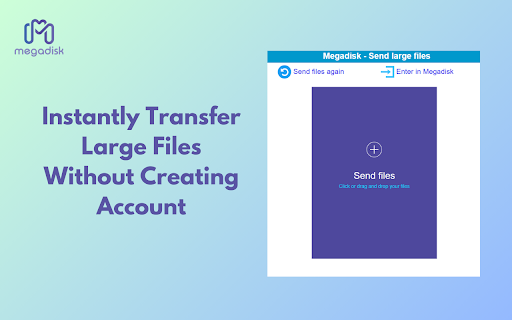
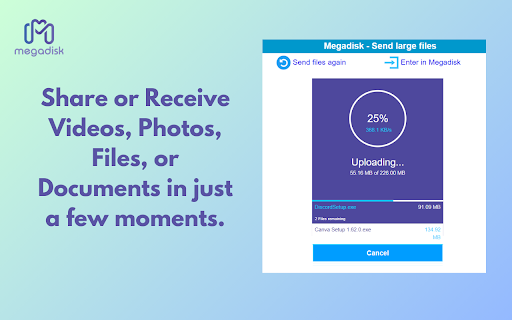
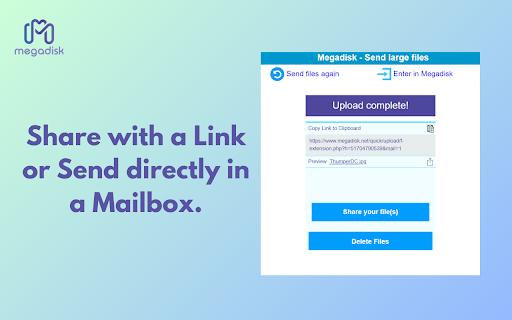
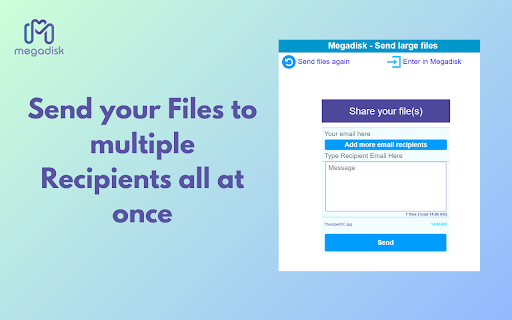
Megadisk is a file-transfer browser extension that allows users to upload files and generate shareable links for recipients. The service focuses on convenience by removing account-creation requirements for both senders and recipients, supporting various media types like videos, documents, and photos.

Version:1.2.0
Size:161KiB
Last updated:

Overview

Installs

489

Rating

5.0

2 reviews

Languages

18 locales

Includes Deutsch, English, Nederlands, Türkçe...

Market analysis

Review-backed positioning, friction, and market signals for this Chrome extension.

Backed by review samples

Macro category

Automation & Workflow Efficiency

Pricing friction

Low review signal

Complaint intensity

Low review signal

Listing & review signals
Observed signals from store listing text and review samples.

Listing positioning

Megadisk positions itself as a streamlined, user-friendly tool for sending large files directly from the browser. It emphasizes a no-registration requirement and ad-free experience, contrasting its simplicity with complex enterprise cloud storage solutions.

Inferred product pattern

Utility-focused bridge between a browser interface and a proprietary cloud storage backend.

Review-backed pain points

No review-backed data is available regarding pain points; current feedback is exclusively positive.

Observed feature gaps

The extension is a limited client of the main web platform; advanced features like directory management and online Office editing require visiting the external website.

Tags
File SharingCloud StorageLarge File TransferProductivity
Target users

- Remote workers

- Freelancers

- General internet users needing quick file transfers

Primary use cases

- Sharing large video files with colleagues

- Distributing documents without email attachment limits

Positive themes

- Fast file transfer speeds

- Simplicity and ease of use

- Effective handling of large media without quality loss

Negative themes

- None observed

Observed friction

- No pricing friction reported; service is presented as a free utility for direct file transfers.

Evidence boundary: Evidence is based on the store listing details and two positive user reviews confirming the advertised ease-of-use and transfer performance. The sample size of user reviews is very small (2), which limits the ability to identify potential edge-case bugs or long-term reliability issues.
Complaint summaries
Review-backed complaint signals grouped by operational area.

Support

No support complaints reported.

Reliability

No reliability complaints reported.

Privacy

No privacy complaints reported.

Access & pricing

- Free entry with paid features

- No account requirement observed

- Free plan or free usage claimed

Store listing facts

Listing assets

- Screenshots: 4

- Videos: 1

- Languages: 18

Trust signals

- Privacy policy

- Developer contact

- Support link

Store metadata

- Version: 1.2.0

- Size: 161KiB

- Last updated:

Listing SEO keywords

Search intent keywords
Keyword signals for evaluating how users may discover, compare, or search for this extension category.

Core discovery

send large filesfree file transferbrowser file sharingfile sharing extension

Comparison

WeTransfer alternativeGDrive alternativecloud file sharing

Problem

file size limitslow file upload

Alternative

WeTransferDropboxOneDrivefile hosting

Similar extensions

Jump to related discovery paths:

Screenshots

Megadisk - Send large files screenshot

Links

Recommended Chrome extensions

Related listings from the same category, trending peers, and the same publisher portfolio.

Browse workflow