A1 Multitool icon

A1 Multitool Chrome Extension Analysis

Developer & Designer Tools

Chrome extension ID: banhpcjjdclhaeheoopbagfmgfdhalka

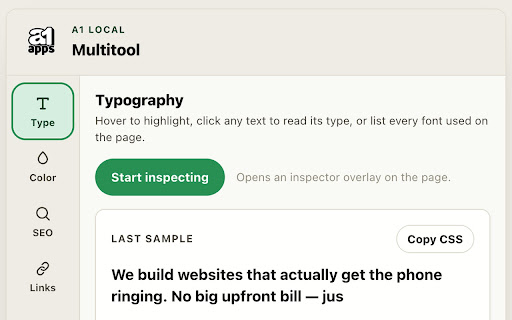
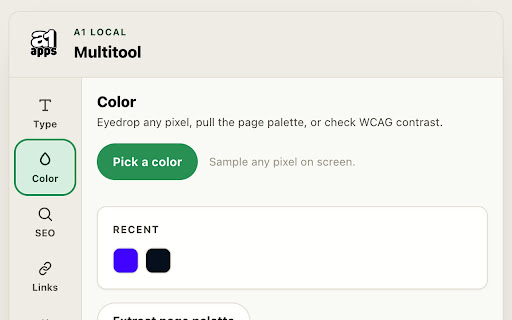
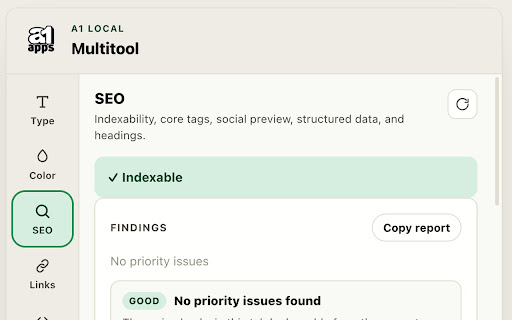
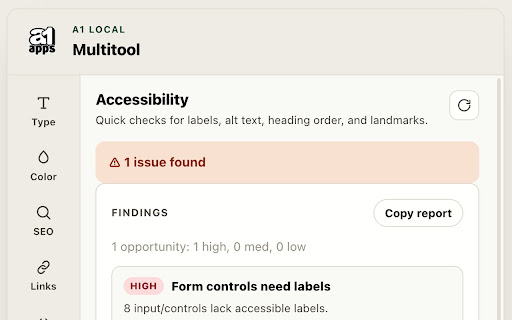
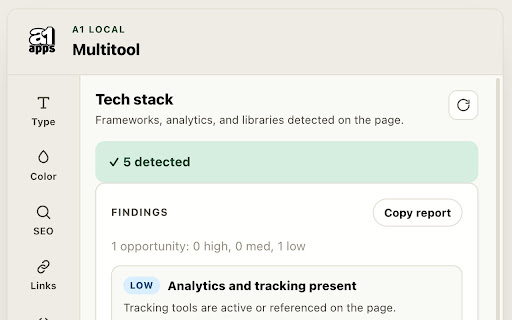
This extension provides a suite of auditing tools that operate directly within the browser tab. It allows users to inspect computed styles, audit accessibility and SEO tags, analyze link structures, and identify the underlying tech stack and performance metrics of any webpage.

Developer:a1local
Version:0.2.1
Size:77.0KiB
Last updated:

Overview

Installs

7

Rating

0 reviews

Languages

1 locales

Includes English

Market analysis

Review-backed positioning, friction, and market signals for this Chrome extension.

No review samples found

Macro category

Developer & Designer Tools

Pricing friction

Low review signal

Complaint intensity

Low review signal

Listing & review signals
Observed signals from store listing text and review samples.

Listing positioning

A1 Multitool positions itself as a comprehensive, privacy-focused inspection suite for web developers and designers. It emphasizes local-only execution and a multi-mode interface to analyze page elements, SEO metadata, performance metrics, and technical frameworks.

Inferred product pattern

Single-purpose utility for client-side web development auditing.

Review-backed pain points

Review-backed data is not available.

Observed feature gaps

Review-backed data is not available; the listing appears to cover a broad range of standard auditing features.

Tags
Web InspectorSEO AuditAccessibility AuditorTech Stack Detector
Target users

- Web Developers

- SEO Specialists

- UI/UX Designers

- Quality Assurance Engineers

Primary use cases

- Auditing SEO metadata and Open Graph tags

- Debugging accessibility compliance

- Analyzing page tech stacks and performance milestones

- Extracting color palettes and font styles

Positive themes

No positive theme data.

Negative themes

No negative theme data.

Observed friction

- No pricing friction observed; the extension claims to run locally without server dependencies.

Evidence boundary: Data extracted from the Chrome Web Store listing; no external reviews available for this product. The analysis is based solely on the developer-provided store description and lacks user feedback or sentiment validation.
Complaint summaries
Review-backed complaint signals grouped by operational area.

Support

Review-backed data is not available.

Reliability

Review-backed data is not available.

Privacy

Review-backed data is not available.

Access & pricing

- Free usage observed

- No account requirement observed

- Free plan or free usage claimed

Store listing facts

Listing assets

- Screenshots: 5

- Videos: 0

- Languages: 1

Trust signals

- Privacy policy

- Developer contact

- Official website

- Support link

Store metadata

- Version: 0.2.1

- Size: 77.0KiB

- Last updated:

Listing SEO keywords

Search intent keywords
Keyword signals for evaluating how users may discover, compare, or search for this extension category.

Core discovery

web inspectoraccessibility auditorseo checker chrometech stack detector

Comparison

A1 Multitool vs LighthouseA1 Multitool vs Wappalyzer

Problem

find duplicate html idscheck page accessibilityaudit meta tags

Alternative

web development tools chrome extensionseo audit extension

Similar extensions

Jump to related discovery paths:

Screenshots

A1 Multitool screenshot

Links

Recommended Chrome extensions

Related listings from the same category, trending peers, and the same publisher portfolio.

Browse developer