Slash Mark – HTTP to HTTPS Safeguard icon

Slash Mark Chrome Extension Analysis

Privacy, Security & Ad Blockers

Store listing title: Slash Mark – HTTP to HTTPS Safeguard

Chrome extension ID: cpjjcpikkahjghmmnjebaeneoedlejbm

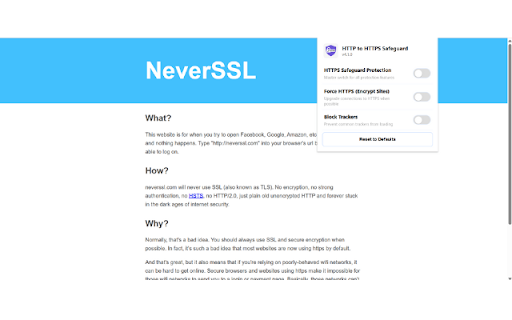
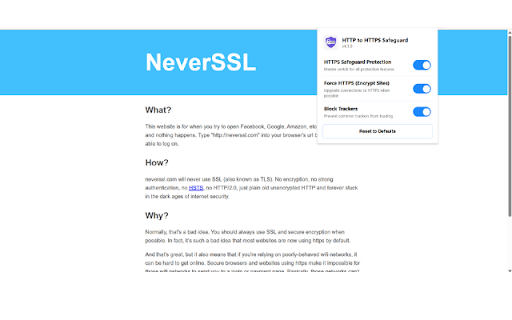
This extension is a browser utility designed to automatically upgrade insecure HTTP connections to HTTPS. Additionally, it features tools to block malicious redirects and strip tracking parameters from URLs to improve user privacy.

Version:1.0.0
Size:23.53KiB
Last updated:

Overview

Installs

19

Rating

5.0

3 reviews

Languages

1 locales

Includes English

Market analysis

Review-backed positioning, friction, and market signals for this Chrome extension.

Backed by review samples

Macro category

Privacy, Security & Ad Blockers

Pricing friction

Low review signal

Complaint intensity

Low review signal

Listing & review signals
Observed signals from store listing text and review samples.

Listing positioning

Slash Mark positions itself as a lightweight security utility that enhances browsing privacy by forcing HTTPS connections and blocking unwanted redirects. It emphasizes a 'set and forget' experience, providing users with a dashboard to track security actions without requiring complex configurations.

Inferred product pattern

Utility-focused browser security tool with a transparent reporting dashboard.

Review-backed pain points

No negative review-backed pain points available.

Observed feature gaps

No feature gaps reported in user reviews.

Tags
SecurityHTTPSPrivacyRedirect BlockerAnti-Tracking
Target users

- Privacy-conscious users

- General web users seeking secure browsing

- Security-focused individuals

Primary use cases

- Forcing HTTPS encryption

- Blocking suspicious or malicious redirects

- Removing UTM and tracking parameters from URLs

Positive themes

- Ease of use/no setup required

- Low system overhead/background performance

- Visibility provided by the dashboard

- Improved confidence in secure browsing

Negative themes

- None reported

Observed friction

- None; the extension appears to be free to use.

Evidence boundary: The analysis is based on public store listing descriptions and consistent 5-star user reviews confirming the utility of core security features. The sample size of reviews is small, limiting the breadth of potential edge-case feedback.
Complaint summaries
Review-backed complaint signals grouped by operational area.

Support

No support complaints reported.

Reliability

No reliability complaints reported.

Privacy

No privacy complaints reported.

Access & pricing

- Free usage observed

- No account requirement observed

- Free plan or free usage claimed

Store listing facts

Listing assets

- Screenshots: 2

- Videos: 0

- Languages: 1

Trust signals

- Privacy policy

- Developer contact

- Official website

Store metadata

- Version: 1.0.0

- Size: 23.53KiB

- Last updated:

Listing SEO keywords

Search intent keywords
Keyword signals for evaluating how users may discover, compare, or search for this extension category.

Core discovery

HTTPS forcesecure browser extensionblock URL trackersHTTP to HTTPS redirectbrowser privacy tool

Comparison

HTTPS everywhere alternativesecurity extension comparison

Problem

insecure connectiontracking parametersmalicious redirects

Alternative

privacy browser extensionsweb security addons

Similar extensions

Jump to related discovery paths:

Screenshots

Slash Mark – HTTP to HTTPS Safeguard screenshot

Links

Recommended Chrome extensions

Related listings from the same category, trending peers, and the same publisher portfolio.

Browse developer