Lumin: PDF Editor, Edit, Sign, Merge, Share and Print PDFs icon

Lumin Chrome Extension Analysis

Automation & Workflow Efficiency

Store listing title: Lumin: PDF Editor, Edit, Sign, Merge, Share and Print PDFs

Chrome extension ID: dbkidnlfklnjanneifjjojofckpcogcl

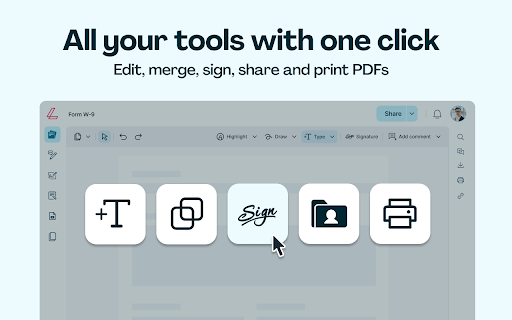
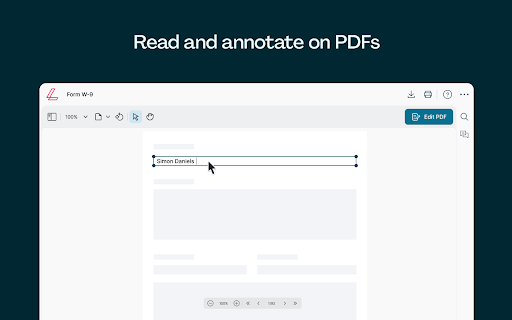
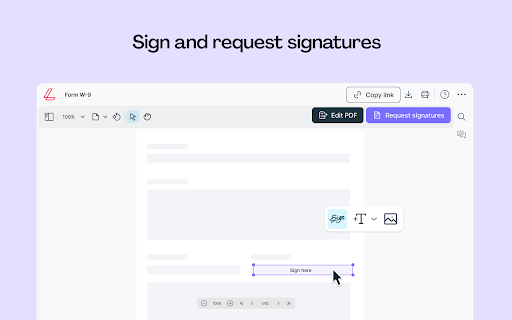
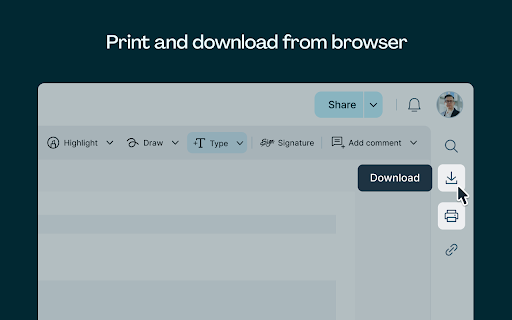
A productivity extension that enables users to view, edit, annotate, and sign PDF documents within Chrome. The tool includes features for merging, compressing, and converting files between various formats.

Version:6.3.0
Size:21.51MiB
Last updated:

Overview

Installs

100K+

Rating

3.6

9,032 reviews

Languages

1 locales

Includes English

Market analysis

Review-backed positioning, friction, and market signals for this Chrome extension.

Backed by review samples

Macro category

Automation & Workflow Efficiency

Pricing friction

High review signal

Complaint intensity

High review signal

Listing & review signals
Observed signals from store listing text and review samples.

Listing positioning

Lumin positions itself as a comprehensive PDF workspace that integrates directly into the Chrome browser. It offers a tiered functionality model where basic annotation is available without an account, while advanced tools like conversion and redaction require an account or subscription.

Inferred product pattern

A high-volume productivity utility utilizing a freemium model that faces significant user backlash due to subscription management issues and technical instability.

Review-backed pain points

Users report severe frustration with automatic billing, unresponsive text fields, signature functionality that fails to save, and unexpected formatting changes upon downloading documents.

Observed feature gaps

Reviews suggest a discrepancy between the advertised free experience and the actual ability to perform essential tasks like saving or printing without a paid subscription.

Tags
PDF EditorDocument ManagementDigital SignatureFile Converter
Target users

- Students

- Administrative Professionals

- Remote Workers

Primary use cases

- Annotating PDF documents

- Signing electronic forms

- Converting PDFs to Office formats

Positive themes

- Clean PDF editing for official use

- Convenient Google Drive integration

Negative themes

- Difficult subscription cancellation processes

- Technical bugs with text boxes and signatures

- Document layout corruption during download/print

- Significant data security concerns

- Data loss after software updates

Observed friction

- Payment required for meaningful usage

- Free-tier complaints detected

- Refund complaints detected

- Performance complaints detected

- Privacy complaints detected

- High friction regarding billing; users report difficulty canceling subscriptions and unexpected automatic deductions.

Evidence boundary: Analysis based on the Chrome Web Store listing and multiple high-impact user reviews regarding billing, functionality, and security. The provided review sample is heavily skewed toward negative experiences and high-anger sentiment.
Complaint summaries
Review-backed complaint signals grouped by operational area.

Support

Users describe support as unresponsive or unhelpful regarding billing disputes and technical failures.

Reliability

Significant reliability issues including broken text boxes, failed signature applications, and document layout corruption.

Privacy

Reviews highlight a historical large-scale data breach involving millions of user records.

Access & pricing

- Free entry with paid features

- Login needed for core features

- Trial or limited free usage before paid plan

Store listing facts

Listing assets

- Screenshots: 5

- Videos: 0

- Languages: 1

Trust signals

- Privacy policy

- Developer contact

- Official website

- Support link

Store metadata

- Version: 6.3.0

- Size: 21.51MiB

- Last updated:

Listing SEO keywords

Search intent keywords
Keyword signals for evaluating how users may discover, compare, or search for this extension category.

Core discovery

PDF editoredit PDF onlinesign PDFmerge PDFPDF converter

Comparison

Adobe Acrobatonline PDF tools

Problem

cancel Lumin subscriptionPDF signature not workingcannot save PDFPDF layout broken

Alternative

free PDF editorbrowser PDF annotator

Similar extensions

Jump to related discovery paths:

Screenshots

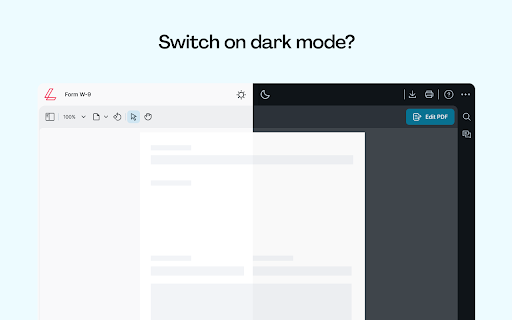
Lumin: PDF Editor, Edit, Sign, Merge, Share and Print PDFs screenshot

Links

Recommended Chrome extensions

Related listings from the same category, trending peers, and the same publisher portfolio.

Browse tools