

Schedule Email by cloudHQ Chrome Extension Analysis
Automation & Workflow EfficiencyChrome extension ID: fkbdfpegkhigflljbopnajaoehihlahj
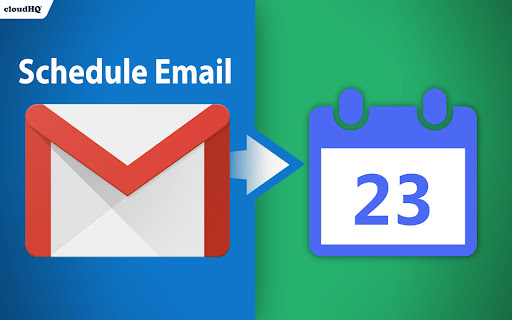
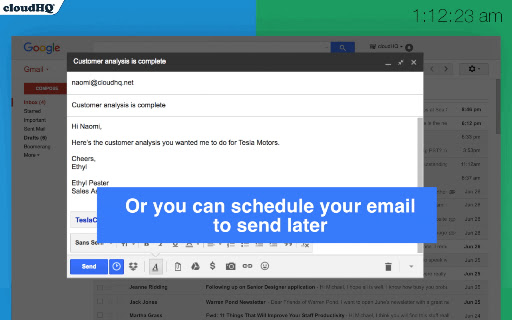
This extension adds email scheduling functionality to the Gmail interface. It allows users to draft messages and designate a specific time for them to be sent automatically by the service.
Overview
Installs
10K+
Rating
★ 4.4
145 reviews
Languages
1 locales
Includes English
Market analysis
Review-backed positioning, friction, and market signals for this Chrome extension.
Macro category
Automation & Workflow Efficiency
Pricing friction
Moderate review signal
Complaint intensity
High review signal
Listing positioning
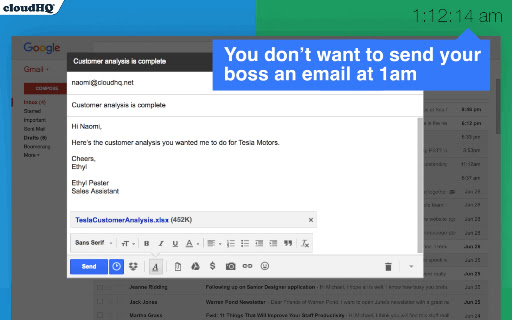
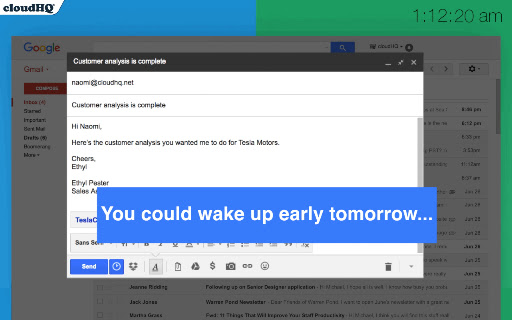
Schedule Email by cloudHQ positions itself as a productivity utility for Gmail, allowing users to send emails at a later date and time. It promotes the tool as a convenient solution for managing professional communications outside of standard working hours.
Inferred product pattern
Utility extension for Gmail that leverages broad API access to automate message delivery, currently facing competition from platform-native features.
Review-backed pain points
Users report critical failures where scheduled emails are either not sent or sent as empty drafts, causing professional inconvenience. There is significant concern regarding the broad scope of data access permissions requested by the extension.
Observed feature gaps
Lack of reliability in background execution and failure to sync properly with the Gmail web interface; users note that native Gmail features often supersede the need for this extension.
- Gmail users
- Remote workers
- Small business owners
- Professional communicators
- Scheduling follow-up emails
- Delayed sending for professional correspondence
- Managing time-zone differences in communication
- Helpful for managing email timing
- Once served as a reliable scheduling tool
- Straightforward integration with Gmail
- Emails failing to send at scheduled times
- Redundancy with Gmail's native scheduling feature
- Extensive and intrusive permission requirements
- Unprofessional support interactions
- Browser performance issues/Gmail loading loops
- Free-tier complaints detected
- Performance complaints detected
- Privacy complaints detected
- Users expressed frustration over being told to stop using the product due to their free-account status when seeking support for technical failures.
Support
Reviewers have cited instances of dismissive and unprofessional communication from company leadership when reporting technical defects.
Reliability
Frequent reports of emails not sending, loss of email content, and the extension causing Gmail to become unresponsive or stuck in loading loops.
Privacy
Significant user pushback regarding the extensive permissions requested, including the ability to read, send, delete, and manage all Gmail content.
- Free entry with paid features
- Account required for core usage
- Limited free usage observed
Store listing facts
- Screenshots: 4
- Videos: 1
- Languages: 1
- Privacy policy
- Developer contact
- Official website
- Support link
- Version: 1.0.2.7
- Size: 630KiB
- Last updated:
Listing SEO keywords
Core discovery
Comparison
Problem
Alternative
Similar extensions
Jump to related discovery paths:
Screenshots
Links
Website: schedule-email.com
Privacy policy: https://www.cloudhq.net/privacy
Support links: https://support.cloudhq.net/category/browser/schedule-email/
Videos: Watch


