Command Palette. Ctrl+K for Tabs, History, Actions icon

Command Palette. Ctrl+K for Tabs, History, Actions Chrome Extension Analysis

Tab & Bookmark Productivity

Chrome extension ID: gegciiaaikdfmhogmkmbcdanmglfcpck

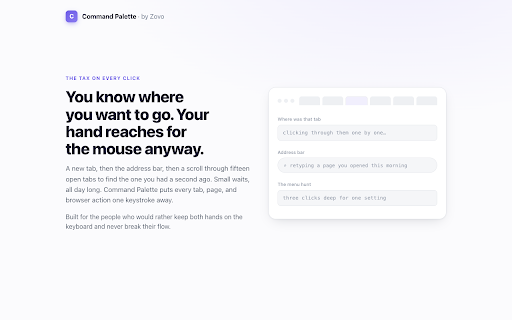
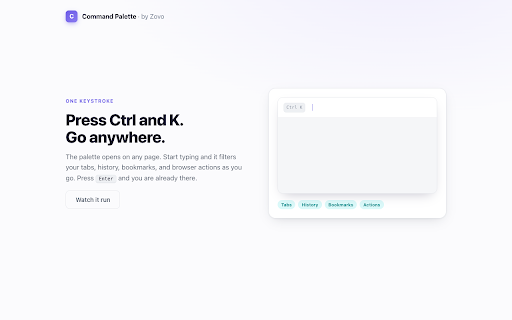
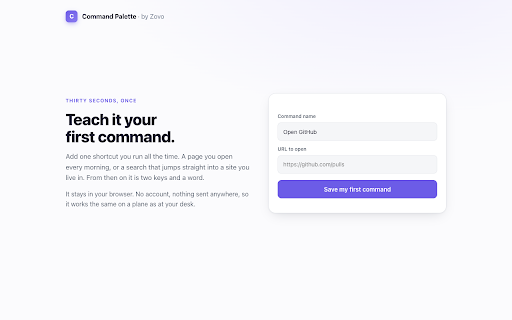
This extension provides a searchable command palette triggered via keyboard shortcut to manage open tabs, search history, and bookmarks. It also includes functional browser commands and allows users to create custom shortcuts for URLs or search templates.

Version:1.0.2
Size:186KiB
Last updated:

Overview

Installs

1K+

Rating

★ 5.0

2 reviews

Languages

50 locales

Includes Deutsch, English, Indonesia, Kiswahili...

Market analysis

Review-backed positioning, friction, and market signals for this Chrome extension.

No review samples found

Macro category

Tab & Bookmark Productivity

Pricing friction

Low review signal

Complaint intensity

Low review signal

Listing & review signals
Observed signals from store listing text and review samples.

Listing positioning

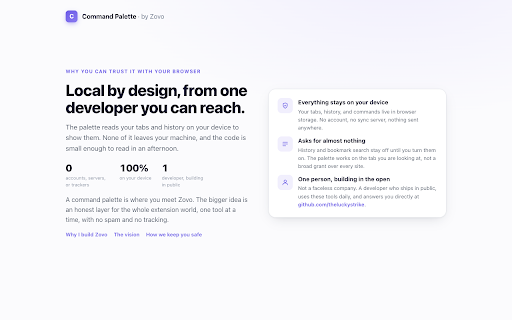
The product is positioned as a keyboard-centric productivity tool designed to replace mouse-based navigation with a unified command interface. It emphasizes speed, local-first privacy, and an uncluttered workflow for power users.

Inferred product pattern

Local-first keyboard shortcut manager and command launcher for browser efficiency.

Review-backed pain points

Review-backed data is not available.

Observed feature gaps

Review-backed data is not available.

Tags
Command PaletteKeyboard ShortcutsProductivityTab ManagementBrowser Navigation
Target users

- Power users

- Keyboard enthusiasts

- Productivity-focused professionals

Primary use cases

- Switching between tabs

- Searching browser history/bookmarks

- Executing browser actions via keyboard

- Launching custom URL/search shortcuts

Positive themes

No positive theme data.

Negative themes

No negative theme data.

Observed friction

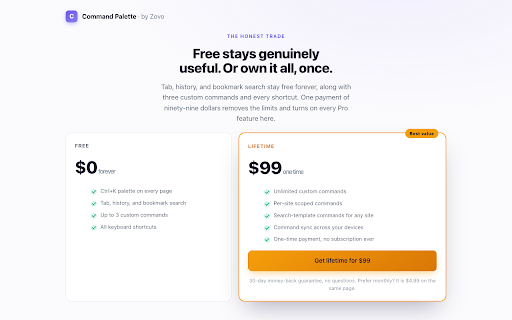
- The extension offers a free version with feature limits (e.g., 3 custom commands) and a one-time lifetime payment for Pro features.

Evidence boundary: Data is sourced directly from the Chrome Web Store listing description; no user reviews are currently available to supplement the analysis. The lack of user reviews prevents verification of real-world performance, bug frequency, or user satisfaction regarding the lifetime pricing model.
Complaint summaries
Review-backed complaint signals grouped by operational area.

Support

No review-backed data available.

Reliability

No review-backed data available.

Privacy

No review-backed data available.

Access & pricing

- Free entry with paid features

- No account requirement observed

- Limited free usage observed

Store listing facts

Listing assets

- Screenshots: 5

- Videos: 0

- Languages: 50

Trust signals

- Privacy policy

- Developer contact

Store metadata

- Version: 1.0.2

- Size: 186KiB

- Last updated:

Listing SEO keywords

Search intent keywords
Keyword signals for evaluating how users may discover, compare, or search for this extension category.

Core discovery

browser command palettekeyboard shortcut managertab switcher extensionproductivity chrome extension

Comparison

alternative to VimiumAlfred for ChromeRaycast for browser

Problem

too many tabs openslow browser navigationmouse-heavy workflow

Alternative

browser command linehotkey tab switcher

Similar extensions

Jump to related discovery paths:

Screenshots

Command Palette. Ctrl+K for Tabs, History, Actions screenshot

Links

Recommended Chrome extensions

Related listings from the same category, trending peers, and the same publisher portfolio.

Browse workflow