LeetHub v2 icon

LeetHub v2 Chrome Extension Analysis

Automation & Workflow Efficiency

Chrome extension ID: mhanfgfagplhgemhjfeolkkdidbakocm

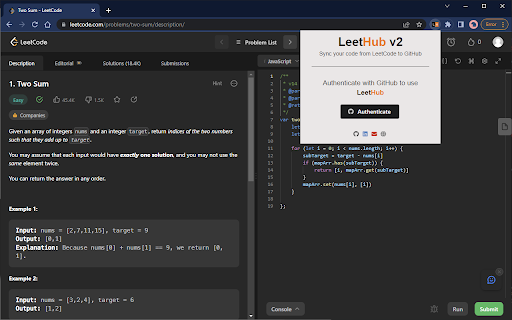
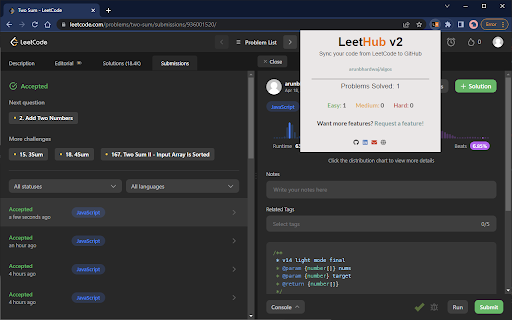
This Chrome extension automatically pushes completed coding exercise solutions from LeetCode to a user-specified GitHub repository. It aims to streamline the portfolio-building process for software engineers by handling the synchronization in the background.

Developer:devkaisel
Version:2.0.9
Size:258KiB
Last updated:

Overview

Installs

60K+

Rating

3.1

84 reviews

Languages

1 locales

Includes English

Market analysis

Review-backed positioning, friction, and market signals for this Chrome extension.

Backed by review samples

Macro category

Automation & Workflow Efficiency

Pricing friction

Low review signal

Complaint intensity

Moderate review signal

Listing & review signals
Observed signals from store listing text and review samples.

Listing positioning

LeetHub v2 positions itself as an essential tool for developers to automate the synchronization of coding problem submissions from platforms like LeetCode to a GitHub repository. It emphasizes building a professional developer portfolio effortlessly and keeping track of coding progress without manual uploads.

Inferred product pattern

Open-source developer utility focused on automating web-based workflows.

Review-backed pain points

Users frequently report that the synchronization breaks due to UI changes on coding platforms, resulting in missed commits and sync errors.

Observed feature gaps

Lack of robust error handling for UI updates on target platforms and concerns regarding excessive GitHub permission requirements.

Tags
LeetCodeGitHubCoding PortfolioWorkflow Automation
Target users

- Software Engineers

- Coding Interview Candidates

- Computer Science Students

Primary use cases

- Automating LeetCode to GitHub synchronization

- Building a developer portfolio

- Tracking coding progress

Positive themes

- Helpful for building a coding portfolio

- Saves manual effort

Negative themes

- Frequent synchronization failures

- Outdated functionality

- Privacy concerns regarding repository access permissions

Observed friction

- Performance complaints detected

- Privacy complaints detected

- None; the product is free.

Evidence boundary: Evidence based on recent user feedback regarding technical failures following UI updates and concerns over GitHub permission scopes. Reviews represent a specific subset of active users experiencing technical issues; may not reflect the experience of users with stable setups.
Complaint summaries
Review-backed complaint signals grouped by operational area.

Support

Users report that the extension stops working for extended periods following UI updates, leading to frustration regarding maintenance.

Reliability

Multiple reports state that the tool fails to sync submissions to GitHub, leaving repositories empty despite successful code passes.

Privacy

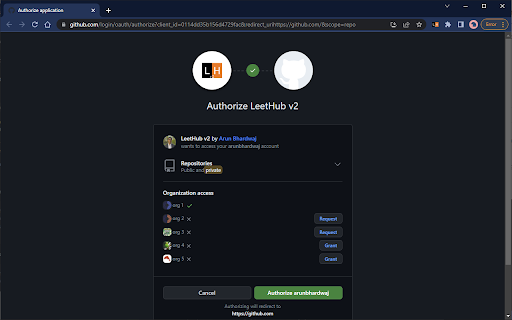
Users express concern over the requirement for the extension to access both public and private GitHub repositories.

Access & pricing

- Free usage observed

- Account required for core usage

- Free plan or free usage claimed

Store listing facts

Listing assets

- Screenshots: 5

- Videos: 0

- Languages: 1

Trust signals

- Privacy policy

- Developer contact

- Official website

- Support link

Store metadata

- Version: 2.0.9

- Size: 258KiB

- Last updated:

Listing SEO keywords

Search intent keywords
Keyword signals for evaluating how users may discover, compare, or search for this extension category.

Core discovery

LeetCode to GitHub syncAutomate LeetCode submissionsLeetHub extensionCoding portfolio automation

Comparison

LeetHub alternativessync LeetCode to GitHub tool

Problem

LeetHub not workingLeetHub sync failed

Alternative

LeetCode-GitHub-Sync

Similar extensions

Jump to related discovery paths:

Screenshots

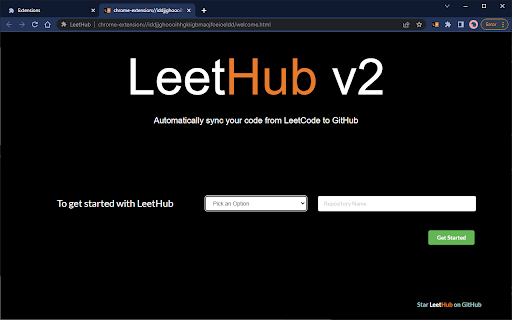
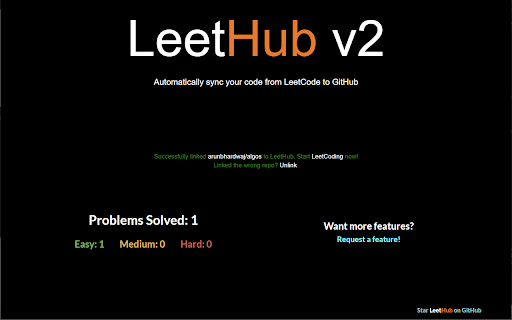
LeetHub v2 screenshot

Links

Recommended Chrome extensions

Related listings from the same category, trending peers, and the same publisher portfolio.

Browse workflow