Custom Button icon

Custom Button Chrome Extension Analysis

Automation & Workflow Efficiency

Chrome extension ID: mphgmadkligoedhahoinkjghofkpmedf

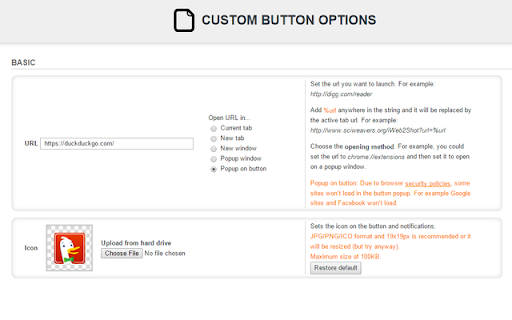
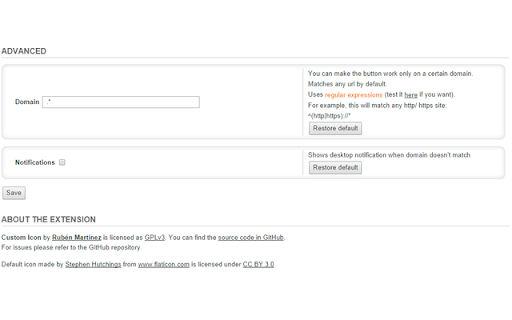
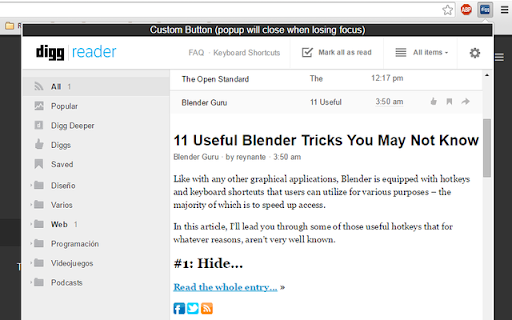
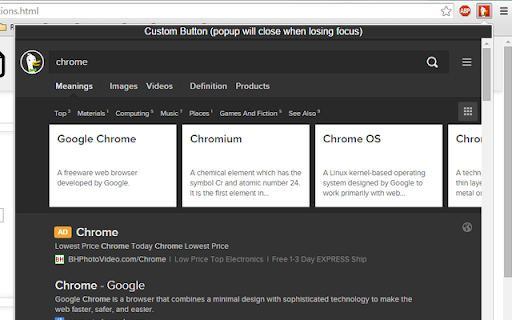
Custom Button enables users to add a personalized button to their browser toolbar that triggers specific actions, such as opening a defined URL. It supports various window/tab behaviors and allows users to set regex-based domain rules for visibility.

Version:1.2.1
Size:35.72KiB
Last updated:

Overview

Installs

2K+

Rating

4.6

31 reviews

Languages

1 locales

Includes English

Market analysis

Review-backed positioning, friction, and market signals for this Chrome extension.

Backed by review samples

Macro category

Automation & Workflow Efficiency

Pricing friction

Low review signal

Complaint intensity

Moderate review signal

Listing & review signals
Observed signals from store listing text and review samples.

Listing positioning

The extension positions itself as a lightweight utility for creating a single customizable toolbar button. It allows users to define a specific URL, icon, and behavior for a shortcut button within the browser interface.

Inferred product pattern

Single-purpose browser utility offering basic functional customization.

Review-backed pain points

Users are primarily concerned about why the extension requires 'Read browsing history' permissions to function as a simple button, and many desire the ability to install multiple instances to create a button toolbar.

Observed feature gaps

The extension lacks a native way to add multiple buttons without cloning the extension, and users report confusion regarding permission requirements.

Tags
Browser UtilityCustom ButtonShortcutToolbarWorkflow
Target users

- Power users

- Productivity enthusiasts

- Browser customization users

Primary use cases

- Launching favorite websites from toolbar

- Creating custom navigation shortcuts

- Triggering specific window/tab behaviors

Positive themes

- Effective simple functionality

- Good replacement for legacy extensions

- Helpful for browser customization

Negative themes

- Privacy concerns regarding browsing history permissions

- Desire for multiple button instances

- Limitations on specific browser actions

Observed friction

- Privacy complaints detected

- None identified; product is presented as a simple free utility.

Evidence boundary: The analysis is based on 31 public reviews highlighting high satisfaction with core functionality and common recurring user requests for multi-instance support. Review data is anecdotal and user-submitted; technical claims regarding permissions are subject to browser architecture constraints.
Complaint summaries
Review-backed complaint signals grouped by operational area.

Support

Users have expressed frustration with the lack of direct developer engagement regarding feature requests for multiple instances.

Reliability

Minor issues noted regarding browser-level limitations on certain tab behaviors.

Privacy

Several users have questioned the necessity of 'Read browsing history' permissions for a button utility.

Access & pricing

- Free usage observed

- No account requirement observed

- Free plan or free usage claimed

Store listing facts

Listing assets

- Screenshots: 5

- Videos: 0

- Languages: 1

Trust signals

- Developer contact

- Support link

Store metadata

- Version: 1.2.1

- Size: 35.72KiB

- Last updated:

Listing SEO keywords

Search intent keywords
Keyword signals for evaluating how users may discover, compare, or search for this extension category.

Core discovery

custom browser buttonadd link to chrome toolbarbrowser shortcut extension

Comparison

Custom Button vs Quick Home Button

Problem

how to create custom button chromechrome extension permissions concern

Alternative

custom toolbar button creatorwebsite shortcut extension

Similar extensions

Jump to related discovery paths:

Screenshots

Custom Button screenshot

Links

Recommended Chrome extensions

Related listings from the same category, trending peers, and the same publisher portfolio.

Browse workflow