Music Visualizer for YouTube™ Music icon

Music Visualizer for YouTube™ Music Chrome Extension Analysis

Niche Lifestyle & Gaming Hacks

Chrome extension ID: ofhohcappnjhojpboeamfijglinngdnb

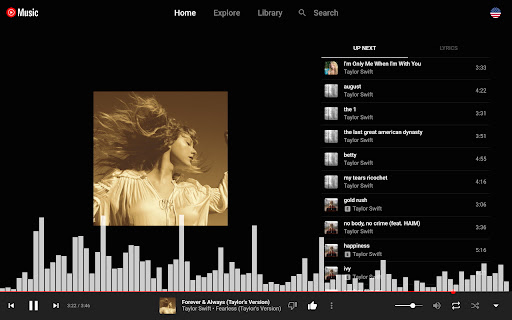
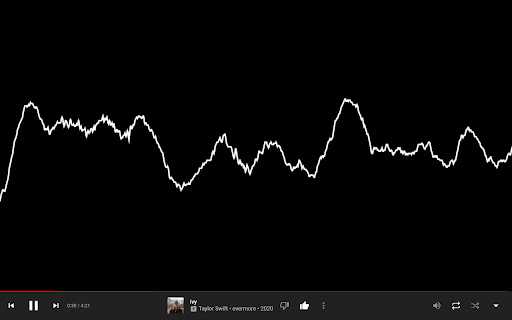
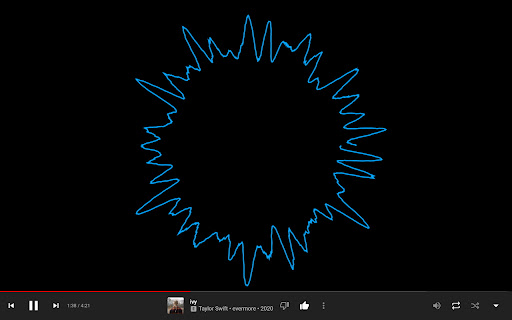
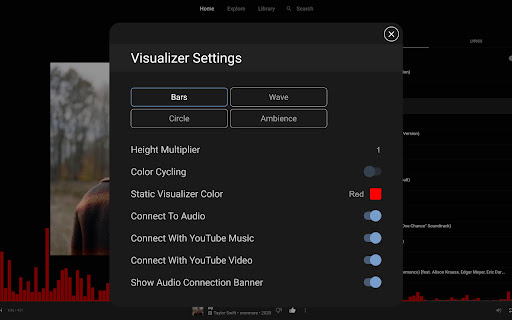
This Chrome extension generates real-time visual animations that react to the audio playing within YouTube or YouTube Music tabs. Users trigger the visualizer by pressing F2 while on a supported webpage.

Developer:Greyson Flippo
Version:10.2
Size:48.16KiB
Last updated:

Overview

Installs

3K+

Rating

3.8

103 reviews

Languages

1 locales

Includes English (United States)

Market analysis

Review-backed positioning, friction, and market signals for this Chrome extension.

Backed by review samples

Macro category

Niche Lifestyle & Gaming Hacks

Pricing friction

Low review signal

Complaint intensity

High review signal

Listing & review signals
Observed signals from store listing text and review samples.

Listing positioning

The product positions itself as a lightweight aesthetic add-on for YouTube and YouTube Music. It emphasizes simple activation via a hotkey and provides visual feedback for media playback.

Inferred product pattern

Legacy hobbyist extension with performance and UX maintenance debt.

Review-backed pain points

Users frequently report high resource consumption, audio distortions like pitch and tempo shifts, and annoying UI overlays that cannot be disabled.

Observed feature gaps

Lack of granular customization options, inability to disable the visualizer button on non-music pages, and no alternative to the F2 shortcut.

Tags
Music VisualizerYouTube ExtensionAudio EffectsEntertainment
Target users

- Music enthusiasts

- YouTube casual listeners

- Desktop browser power users

Primary use cases

- Visualizing music playback in browser

- Enhancing the aesthetic experience of YouTube Music

Positive themes

- Simple initial concept

- Appreciation for the visualizer concept itself

- Flexible options within the menu

Negative themes

- High CPU usage/latency

- Interference with playback quality (pitch/tempo shifting)

- Intrusive UI overlays

- Conflicting keyboard shortcuts (F2/fullscreen)

Observed friction

- Performance complaints detected

- None identified; extension appears free.

Evidence boundary: Evidence is based on user reviews citing performance degradation, technical audio defects, and intrusive UI design choices. Review data spans several years, potentially reflecting older versions of the extension that may not correlate with current Manifest V3 builds.
Complaint summaries
Review-backed complaint signals grouped by operational area.

Support

Minimal mentions of active support; users primarily complain about the lack of developer response to long-standing bugs.

Reliability

Significant complaints regarding high CPU usage, audio distortion, and visual lag.

Privacy

None identified.

Access & pricing

- Free usage observed

- No account requirement observed

- Free plan or free usage claimed

Store listing facts

Listing assets

- Screenshots: 5

- Videos: 0

- Languages: 1

Trust signals

- Developer contact

Store metadata

- Version: 10.2

- Size: 48.16KiB

- Last updated:

Listing SEO keywords

Search intent keywords
Keyword signals for evaluating how users may discover, compare, or search for this extension category.

Core discovery

YouTube music visualizerbrowser audio visualizerChrome extension music visualizer

Comparison

Milkdrop alternativeWinAmp visualizer Chrome

Problem

extension slows down browseraudio pitch shift issueYouTube visualizer lag

Alternative

Chrome visualizer pluginbest music visualizer for browser

Similar extensions

Jump to related discovery paths:

Screenshots

Music Visualizer for YouTube™ Music screenshot

Recommended Chrome extensions

Related listings from the same category, trending peers, and the same publisher portfolio.

Browse entertainment