PrintFriendly: Reader Mode, PDF Editor, Save as PDF & Screenshot icon

PrintFriendly Chrome Extension Analysis

Tab & Bookmark Productivity

Store listing title: PrintFriendly: Reader Mode, PDF Editor, Save as PDF & Screenshot

Chrome extension ID: ohlencieiipommannpdfcmfdpjjmeolj

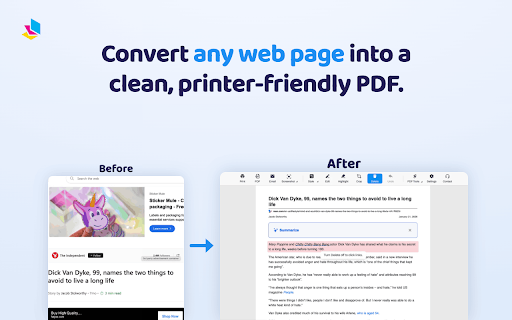
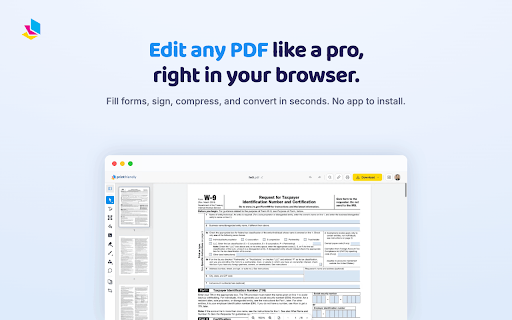
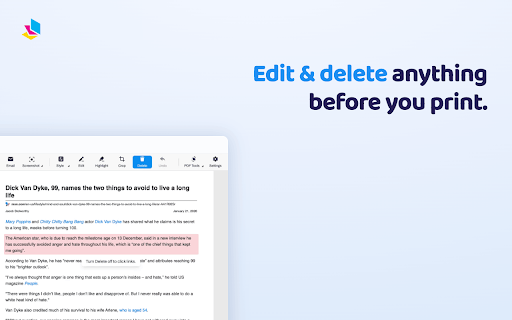
This extension allows users to convert web pages into professional PDFs or screenshots without ads, sidebars, or navigation. It includes tools to edit text, remove images, highlight content, and generate AI summaries.

Developer:PrintFriendly
Version:7.2.2
Size:22.05MiB
Last updated:

Overview

Installs

1.0M+

Rating

4.6

5,236 reviews

Languages

54 locales

Includes Deutsch, English, English (Australia), English (United Kingdom)...

Market analysis

Review-backed positioning, friction, and market signals for this Chrome extension.

Backed by review samples

Macro category

Tab & Bookmark Productivity

Pricing friction

Low review signal

Complaint intensity

Moderate review signal

Listing & review signals
Observed signals from store listing text and review samples.

Listing positioning

PrintFriendly positions itself as a tool for creating clean, clutter-free versions of web pages for printing or saving. It emphasizes user control over layouts, ad removal, and AI-powered summarization to assist researchers, students, and teachers.

Inferred product pattern

A productivity utility for web content sanitization and archival.

Review-backed pain points

Users reported losing research data because the extension opens in the same tab, and some found the 'without ads' mode strips too much essential article content.

Observed feature gaps

Users expressed a desire for the ability to capture specific portions of a screen rather than just full-page or current view, and requested better image rendering options.

Tags
Print Web PagesPDF ConverterAd RemoverScreenshot ToolAI Summarizer
Target users

- Researchers

- Students

- Teachers

- Freelance Writers

Primary use cases

- Printing clean web pages

- Converting web pages to PDF

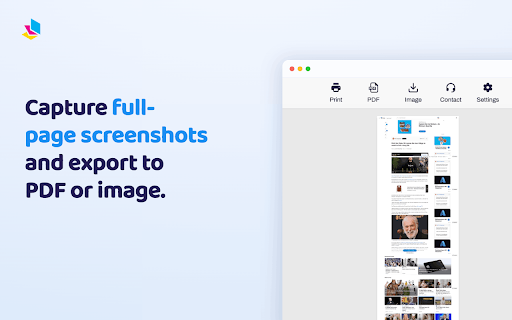
- Capturing full-page screenshots

- Summarizing long web articles

Positive themes

- Effective ad and clutter removal

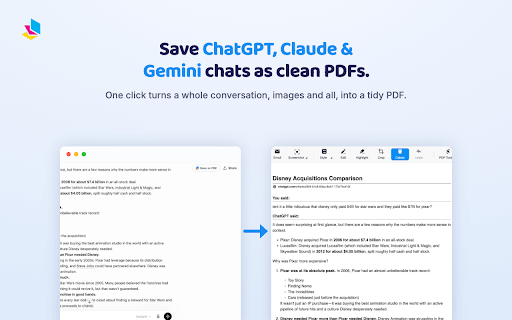
- Useful for archiving research and AI chat sessions

- Small file sizes for text-heavy PDFs

Negative themes

- Data loss due to in-tab navigation

- Inconsistent content rendering (missing articles/images)

- Poor screenshot scaling and dimensions

Observed friction

- Performance complaints detected

- The product offers an upgrade path for advanced features, but specific pricing complaints were not observed in the sample.

Evidence boundary: Analysis based on the Chrome Web Store listing and a sample of user reviews containing both highly positive and highly critical feedback. Review data is based on a specific sample and may not reflect the total sentiment of the 1 million+ users.
Complaint summaries
Review-backed complaint signals grouped by operational area.

Support

No support or account-related complaints were identified in the provided reviews.

Reliability

Users noted reliability issues with content rendering, such as missing images or article bodies, and unusable screenshot dimensions.

Privacy

No privacy or security complaints were found.

Access & pricing

- Free entry with paid features

- Login needed for core features

- Limited free usage observed

Store listing facts

Listing assets

- Screenshots: 5

- Videos: 1

- Languages: 54

Trust signals

- Privacy policy

- Developer contact

- Official website

- Support link

Store metadata

- Version: 7.2.2

- Size: 22.05MiB

- Last updated:

Listing SEO keywords

Search intent keywords
Keyword signals for evaluating how users may discover, compare, or search for this extension category.

Core discovery

print web page to pdfremove ads from web pagesfull page screenshot extensionwebpage to pdf converterclean print web pages

Comparison

reader modePDF converterweb screenshot tool

Problem

print webpage without adsconvert website to pdfcapture long webpage

Alternative

PrintFriendly alternativecleaner web printer

Similar extensions

Jump to related discovery paths:

Screenshots

PrintFriendly: Reader Mode, PDF Editor, Save as PDF & Screenshot screenshot

Links

Recommended Chrome extensions

Related listings from the same category, trending peers, and the same publisher portfolio.

Browse tools