Downloads Button icon

Downloads Button Chrome Extension Analysis

Tab & Bookmark Productivity

Chrome extension ID: ohogkbgckjfhmgmfbdabalmggjmjdjmk

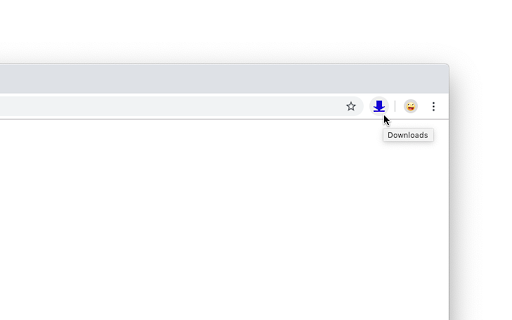
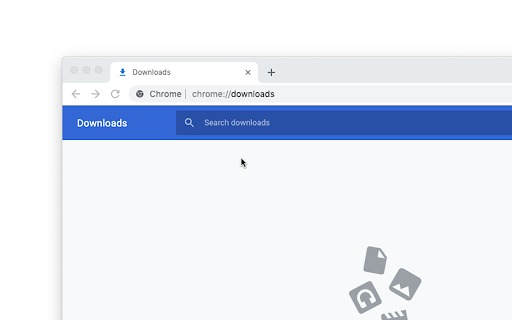
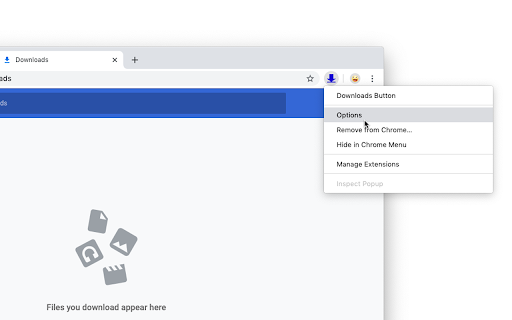
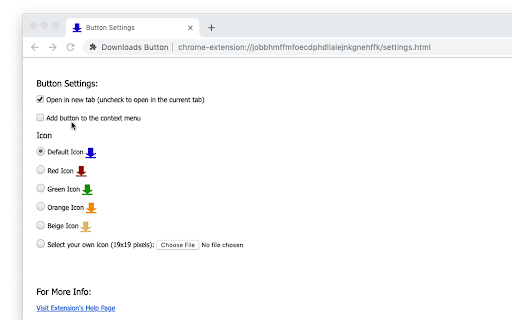
A productivity tool that provides a one-click access point to the browser's download history. It features customizable icons and the ability to add a download shortcut to the right-click context menu.

Developer:openaddons.com
Version:2.0.0.0
Size:22.96KiB
Last updated:

Overview

Installs

3K+

Rating

4.5

4 reviews

Languages

1 locales

Includes English

Market analysis

Review-backed positioning, friction, and market signals for this Chrome extension.

Backed by review samples

Macro category

Tab & Bookmark Productivity

Pricing friction

Low review signal

Complaint intensity

Low review signal

Listing & review signals
Observed signals from store listing text and review samples.

Listing positioning

The extension positions itself as a simple, lightweight utility that adds a customizable 'Downloads' button to the Chrome toolbar. It explicitly differentiates itself from full-featured download managers by stating it only serves as a shortcut to the existing Chrome downloads page.

Inferred product pattern

A micro-utility focusing on single-purpose navigation and minimal browser footprint.

Review-backed pain points

Users expressed a desire for a modern icon design and a popup-style interface rather than opening a new tab.

Observed feature gaps

The extension lacks a popup-based download manager interface, which users noted as a preference.

Tags
Browser UtilityToolbar ShortcutQuick Access
Target users

- Chrome browser users

- Productivity-focused users

Primary use cases

- Quickly accessing download history

- Customizing the Chrome toolbar

Positive themes

- Minimalism and simplicity

- Respect for user privacy/minimal permissions

- Functional accuracy

Negative themes

- Outdated icon design

- Lack of a popup interface

Observed friction

- No pricing information was found in the listing or reviews.

Evidence boundary: Analysis based on the product description and three user reviews covering functionality, design, and permissions. The review sample size is very small (3 reviews provided).
Complaint summaries
Review-backed complaint signals grouped by operational area.

Support

No support-related complaints were observed.

Reliability

No reliability or performance complaints were observed.

Privacy

Users explicitly praised the extension for not requesting superfluous permissions.

Access & pricing

- No clear monetization signal

- No account requirement observed

- No clear pricing signal

Store listing facts

Listing assets

- Screenshots: 4

- Videos: 0

- Languages: 1

Trust signals

- Privacy policy

- Developer contact

- Official website

Store metadata

- Version: 2.0.0.0

- Size: 22.96KiB

- Last updated:

Listing SEO keywords

Search intent keywords
Keyword signals for evaluating how users may discover, compare, or search for this extension category.

Core discovery

Downloads ButtonChrome Download ShortcutAccess Downloads Quickly

Comparison

Material Design Download Manager

Problem

open chrome downloadsfind download history

Alternative

Download ManagerChrome toolbar shortcut

Similar extensions

Jump to related discovery paths:

Screenshots

Downloads Button screenshot

Links

Recommended Chrome extensions

Related listings from the same category, trending peers, and the same publisher portfolio.

Browse workflow