CPS Test with Clicks Tracking icon

CPS Test with Clicks Tracking Chrome Extension Analysis

Niche Lifestyle & Gaming Hacks

Chrome extension ID: pbnkockhobmklmokpgkmngoalckimhlg

A simple utility that measures a user's clicking speed within specified time intervals. It provides a CPS score and visualizes click locations on a canvas.

Version:3.2
Size:65.79KiB
Last updated:

Overview

Installs

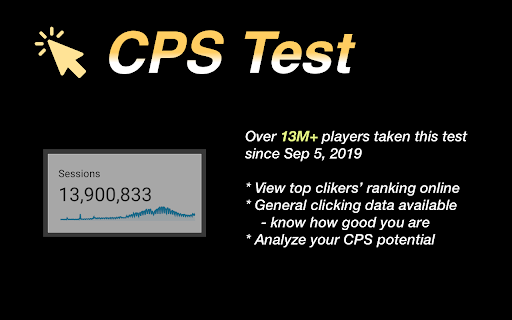
8K+

Rating

4.0

16 reviews

Languages

26 locales

Includes Deutsch, English, English (United Kingdom), English (United States)...

Market analysis

Review-backed positioning, friction, and market signals for this Chrome extension.

Backed by review samples

Macro category

Niche Lifestyle & Gaming Hacks

Pricing friction

Low review signal

Complaint intensity

Moderate review signal

Listing & review signals
Observed signals from store listing text and review samples.

Listing positioning

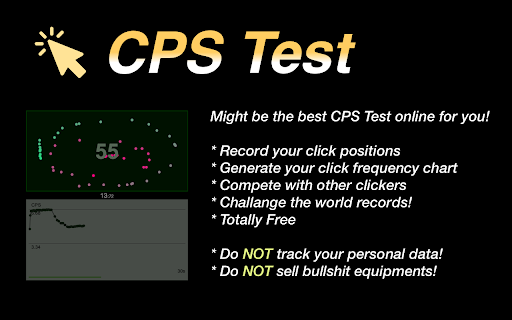
The product positions itself as a performance tool to measure Clicks Per Second (CPS) across eight different time modes. It emphasizes the use of a detailed click-tracking map to help users understand their clicking speed.

Inferred product pattern

A simple wrapper extension that redirects users to a web-based performance testing tool.

Review-backed pain points

Users are frustrated that the extension acts as a redirect to a website rather than a standalone tool and reports that the page freezes or crashes during high-speed clicking.

Observed feature gaps

Lack of stable performance for high-CPS users and a lack of native integration, relying instead on web redirects.

Tags
CPS TestClick SpeedGaming UtilityPerformance Tracker
Target users

- Gamers

- Click speed enthusiasts

- Casual users

Primary use cases

- Testing clicking speed

- Comparing CPS scores

- Visualizing click patterns

Positive themes

- Fast and lightweight

- Helpful real-time charts

- Engaging simple gameplay

Negative themes

- Redirects to external website

- Application crashes at high click speeds

- Inaccurate world record claims

Observed friction

- Performance complaints detected

- No pricing friction observed as the product is presented as free.

Evidence boundary: Analysis based on the store listing and a sample of user reviews. The sample size of reviews is small, which may not represent the experience of all 9,000 users.
Complaint summaries
Review-backed complaint signals grouped by operational area.

Support

No specific support or account complaints identified.

Reliability

Reports of the web page freezing or the extension crashing when users achieve very high click rates.

Privacy

No privacy or security complaints observed.

Access & pricing

- Free usage observed

- No account requirement observed

- Free plan or free usage claimed

Store listing facts

Listing assets

- Screenshots: 2

- Videos: 0

- Languages: 26

Trust signals

- Privacy policy

- Developer contact

- Official website

Store metadata

- Version: 3.2

- Size: 65.79KiB

- Last updated:

Listing SEO keywords

Search intent keywords
Keyword signals for evaluating how users may discover, compare, or search for this extension category.

Core discovery

CPS testclick speed testclicks per second tracker

Comparison

best CPS testCPS test vs click speed

Problem

how to measure click speedincrease CPS

Alternative

CPS tester alternativeclick speed tool

Similar extensions

Jump to related discovery paths:

Screenshots

CPS Test with Clicks Tracking screenshot

Links

Recommended Chrome extensions

Related listings from the same category, trending peers, and the same publisher portfolio.

Browse fun