U-Eyes: Mobile Simulator icon

U-Eyes Chrome Extension Analysis

Developer & Designer Tools

Store listing title: U-Eyes: Mobile Simulator

Chrome extension ID: pjldgnhfobpnhbdmfmofkfppdilefnjj

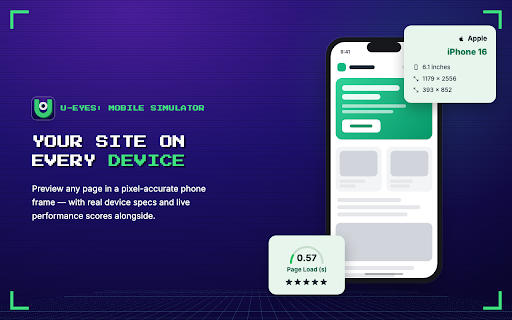
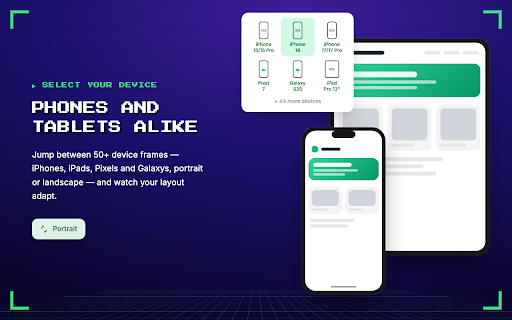
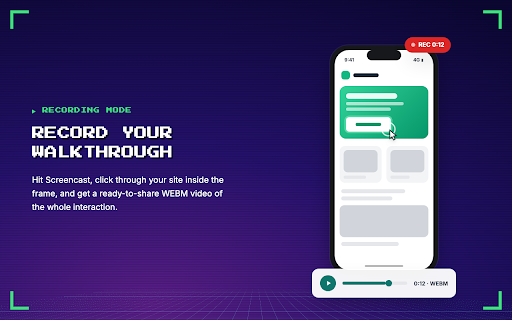
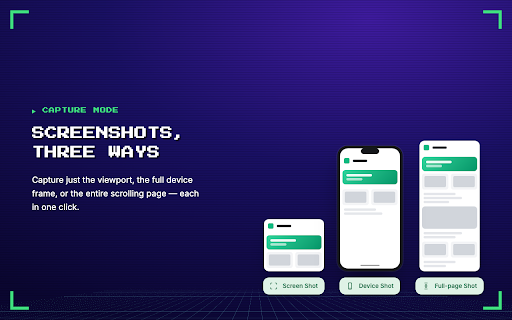
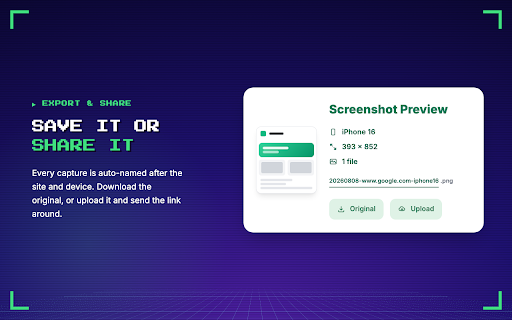
U-Eyes is a Chrome extension that simulates mobile devices within the browser, enabling users to test website responsiveness across numerous iPhone, Android, and tablet resolutions. It offers features like one-click screenshots with device mockups, full-page scrolling captures, and screen recording to WebM video, along with cloud uploading for easy sharing.

Developer:tmtk.apps
Version:3.0.2
Size:15.59MiB
Last updated:

Overview

Installs

10K+

Rating

4.6

42 reviews

Languages

52 locales

Includes Deutsch, English, Filipino, Indonesia...

Market analysis

Review-backed positioning, friction, and market signals for this Chrome extension.

Backed by review samples

Macro category

Developer & Designer Tools

Pricing friction

Low review signal

Complaint intensity

Moderate review signal

Listing & review signals
Observed signals from store listing text and review samples.

Listing positioning

This Chrome extension positions itself as an all-in-one mobile simulator for developers, designers, and QA testers. It emphasizes streamlining workflows by allowing users to test websites on various mobile devices directly in their browser, coupled with advanced screenshot and screen recording features for professional presentations and bug reporting.

Inferred product pattern

A browser-based developer tool for responsive web design testing and asset creation.

Review-backed pain points

Users report that the extension can close after a page refresh, requiring re-activation. There is also a desire for custom device options.

Observed feature gaps

Users have requested the ability to add custom phone resolutions.

Tags
Mobile SimulatorResponsive TestingScreenshot ToolScreen RecorderDevice Mockup
Target users

- Web Developers

- UI/UX Designers

- QA Testers

- Marketers

- Project Managers

Primary use cases

- Testing website responsiveness on mobile devices

- Debugging CSS media queries

- Creating professional website mockups

- Generating visual bug reports

- Recording website interactions on mobile

- Sharing website previews with clients and teams

Positive themes

- Simplifies mobile simulation and testing

- Excellent for creating mockups and presentations

- User-friendly and easy to use

- Helpful for previewing work on different devices

- Valuable screenshot and video recording features

- Good alternative to paid extensions

Negative themes

- Extension closes or needs to be re-clicked after page refresh

- Presence of ads is unprofessional during client presentations

- Bugs and not working properly

Observed friction

- The extension is available for free, with one review noting that it offers full functionality unlike some paid alternatives.

Evidence boundary: Store listing and user reviews were used for analysis. Helpful and low_rating reviews provided specific feedback on functionality and user experience. The number of reviews analyzed is limited, and some reviews were in Portuguese. The overall sentiment may not capture the full user base.
Complaint summaries
Review-backed complaint signals grouped by operational area.

Support

No explicit support complaints were observed, but one review mentioned encountering bugs.

Reliability

One user reported that the extension "doesn't work properly" and another noted "many bugs unfortunately." A recurring usability issue is the extension closing after page refreshes.

Privacy

The listing claims the extension operates locally and data is not shared unless the user opts into cloud upload.

Access & pricing

- Free entry with paid features

- No clear access signal

- Free plan or free usage claimed

Store listing facts

Listing assets

- Screenshots: 5

- Videos: 1

- Languages: 52

Trust signals

- Privacy policy

- Developer contact

- Official website

Store metadata

- Version: 3.0.2

- Size: 15.59MiB

- Last updated:

Listing SEO keywords

Search intent keywords
Keyword signals for evaluating how users may discover, compare, or search for this extension category.

Core discovery

mobile simulatorwebsite testing toolresponsive design checkerchrome extensiondeveloper toolsscreenshot tooldevice mockup generatorscreen recorder

Comparison

phone simulatorbrowser developer toolsweb design testing

Problem

test website mobiledebug responsive designcreate mobile mockupsvisual bug reporting

Alternative

mobile preview extensionweb developer extensiondesigner tools

Similar extensions

Jump to related discovery paths:

Screenshots

U-Eyes: Mobile Simulator screenshot

Links

Recommended Chrome extensions

Related listings from the same category, trending peers, and the same publisher portfolio.

Browse developer