Save Image As PNG/JPG/WebP icon

Save Image As PNG/JPG/WebP Chrome Extension Analysis

Video & Image Downloaders

Chrome extension ID: pngfhkcabhfgjifcecdnhfldikejmafe

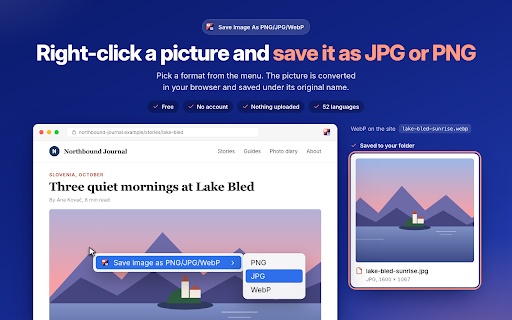
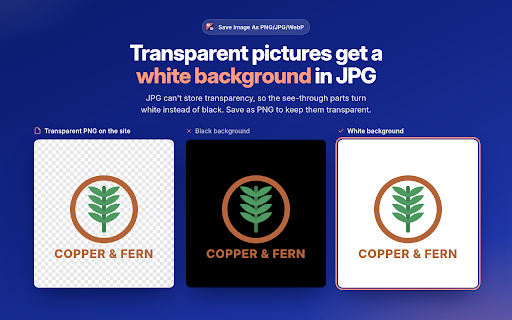
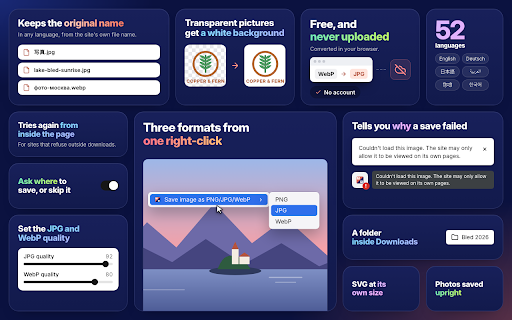
A browser extension that allows users to convert and save online images into specific formats like PNG, JPG, and WebP directly from the context menu. It aims to resolve compatibility issues with modern web image formats.

Developer:Fuzesoft
Version:1.0.5
Size:45.3KiB
Last updated:

Overview

Installs

6K+

Rating

3.2

10 reviews

Languages

47 locales

Includes Deutsch, English, Filipino, Indonesia...

Market analysis

Review-backed positioning, friction, and market signals for this Chrome extension.

Backed by review samples

Macro category

Video & Image Downloaders

Pricing friction

Low review signal

Complaint intensity

High review signal

Listing & review signals
Observed signals from store listing text and review samples.

Listing positioning

The product positions itself as a fast, lightweight, and privacy-focused tool for converting web images into PNG, JPG, or WebP formats. It emphasizes ease of use through a simple right-click context menu without requiring accounts or complex settings.

Inferred product pattern

A lightweight utility extension for on-the-fly image format conversion to solve web compatibility issues.

Review-backed pain points

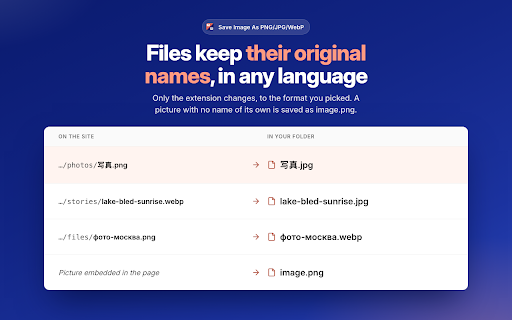
Users report the extension failing to appear in the right-click menu, causing browser crashes, failing to handle AVIF files, and incorrectly saving files with .jfif extensions instead of .jpg.

Observed feature gaps

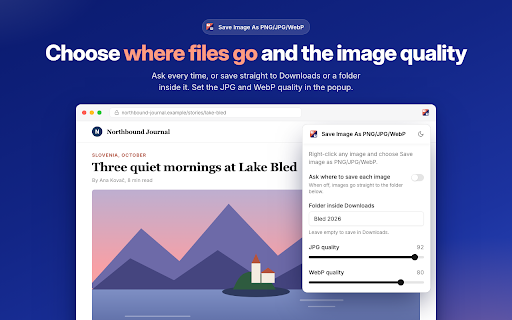
Limited support for newer formats like AVIF and inconsistent memory of the user's preferred download folder.

Tags
Image ConverterRight Click SaveFormat ConverterWebP to JPG
Target users

- Graphic Designers

- Content Creators

- Social Media Managers

- Web Browsers

Primary use cases

- Converting WebP images to compatible formats

- Saving high-quality images for local editing

- Bypassing restrictive web image formats

Positive themes

- Effective conversion from WebP to more compatible formats

- Simple right-click functionality

- High-quality image preservation

Negative themes

- Extension failing to appear in context menu

- Browser instability and crashing

- Lack of support for AVIF formats

- Failure to remember save paths

Observed friction

- Performance complaints detected

- No pricing information is available in the provided data.

Evidence boundary: Data extracted from the Chrome Web Store listing and a small sample of user reviews in English, Spanish, and Russian. The review sample is very small, which may not capture the full spectrum of user experiences.
Complaint summaries
Review-backed complaint signals grouped by operational area.

Support

No support or account-related complaints were found in the review samples.

Reliability

Users reported significant reliability issues, including browser crashes and the extension failing to function within the context menu.

Privacy

No privacy or security complaints were observed.

Access & pricing

- No clear monetization signal

- No account requirement observed

- No clear pricing signal

Store listing facts

Listing assets

- Screenshots: 3

- Videos: 0

- Languages: 47

Trust signals

- Privacy policy

- Developer contact

- Official website

- Support link

Store metadata

- Version: 1.0.5

- Size: 45.3KiB

- Last updated:

Listing SEO keywords

Search intent keywords
Keyword signals for evaluating how users may discover, compare, or search for this extension category.

Core discovery

save image as pngconvert webp to jpgright click save imageimage format converter

Comparison

alternative to webpbetter image converter extension

Problem

cannot save webpbrowser crash extensionimage format not compatible

Alternative

webp converterimage downloader

Similar extensions

Jump to related discovery paths:

Screenshots

Save Image As PNG/JPG/WebP screenshot

Links

Recommended Chrome extensions

Related listings from the same category, trending peers, and the same publisher portfolio.

Browse workflow