Screenshot Tool for Tabs, Apps, and YouTube icon

Screenshot Tool for Tabs, Apps, and YouTube Chrome Extension Analysis

Developer & Designer Tools

Chrome extension ID: aecnmadngpjbokeakinhbgfanlnjdnom

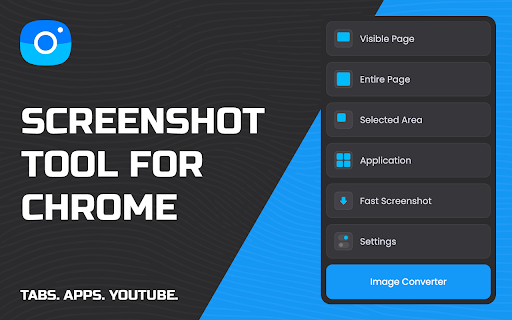
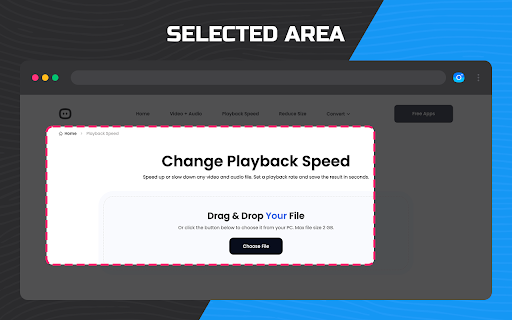
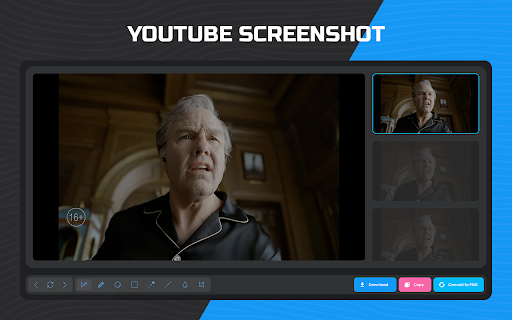
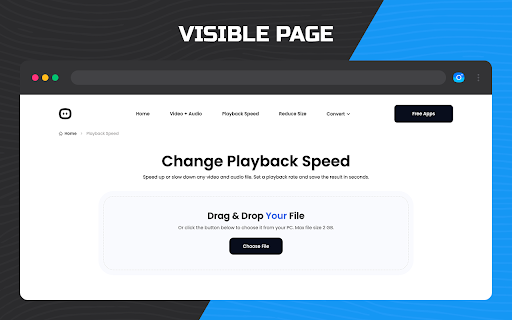
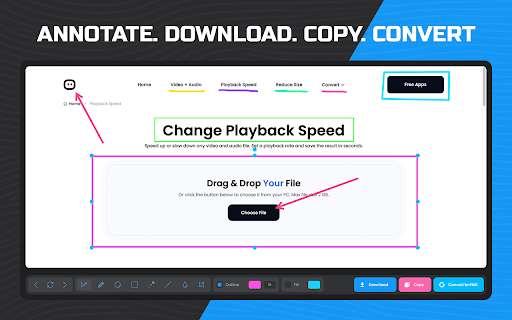
A Chrome extension that enables users to capture full-page screenshots of any website. It offers two capture modes—visible area and automatic full-page scroll—and provides basic annotation features for highlighting specific page elements.

Developer:qooly
Version:1.0.5
Size:1014KiB
Last updated:

Overview

Installs

20K+

Rating

★ 4.6

315 reviews

Languages

50 locales

Includes Deutsch, English, English (United Kingdom), English (United States)...

Market analysis

Review-backed positioning, friction, and market signals for this Chrome extension.

Backed by review samples

Macro category

Developer & Designer Tools

Pricing friction

Low review signal

Complaint intensity

High review signal

Listing & review signals
Observed signals from store listing text and review samples.

Listing positioning

The product is positioned as a powerful, one-click solution for capturing entire webpages. It emphasizes professional utility for web designers and developers, highlighting auto-scrolling capabilities and visual annotation tools.

Inferred product pattern

Single-purpose utility focusing on visual capture and basic image annotation.

Review-backed pain points

Multiple users report the extension is completely non-functional, stating it captures nothing or stops scrolling after a few pages.

Observed feature gaps

Users have noted a lack of compatibility with certain Chromium-based browsers (e.g., Ecosia) and potential limits on the length of pages that can be scrolled.

Tags
Screen CaptureWeb ScreenshotPage AnnotationUX Design ToolDeveloper Utility
Target users

- Web Designers

- Web Developers

- UX Designers

- Content Researchers

- Documentation Specialists

Primary use cases

- Evaluating overall webpage layout and design

- Creating visual records for documentation and reporting

- Saving long-form articles for offline reference

- Comparing design iterations and A/B test variations

Positive themes

No positive theme data.

Negative themes

- Complete functional failure

- Scrolling limitations

- Browser incompatibility

Observed friction

- Performance complaints detected

- No pricing friction observed in the provided data.

Evidence boundary: Analysis conducted using the Chrome Web Store listing and a sample of helpful/low-rating reviews. The provided review samples are exclusively negative/neutral, which may not fully reflect the high overall store rating.
Complaint summaries
Review-backed complaint signals grouped by operational area.

Support

No direct support interaction complaints, though users express frustration over the tool not working.

Reliability

High frequency of reports that the extension does not perform its core function or fails during the scrolling process.

Privacy

No privacy complaints observed.

Access & pricing

- Free usage observed

- No account requirement observed

- Free plan or free usage claimed

Store listing facts

Listing assets

- Screenshots: 5

- Videos: 0

- Languages: 50

Trust signals

- Privacy policy

- Developer contact

- Official website

Store metadata

- Version: 1.0.5

- Size: 1014KiB

- Last updated:

Listing SEO keywords

Search intent keywords
Keyword signals for evaluating how users may discover, compare, or search for this extension category.

Core discovery

full page screenshot chromecapture entire webpagewebpage screenshot extension

Comparison

best full page screen capturefull page screenshot chrome alternatives

Problem

how to screenshot entire webpagecapture long webpagescreenshot webpage with scrolling

Alternative

full page screenshot alternativewebpage capture tool

Similar extensions

Jump to related discovery paths:

Screenshots

Screenshot Tool for Tabs, Apps, and YouTube screenshot

Links

Recommended Chrome extensions

Related listings from the same category, trending peers, and the same publisher portfolio.

Browse tools