Salesforce Inspector Advanced icon

Salesforce Inspector Advanced Chrome Extension Analysis

Developer & Designer Tools

Chrome extension ID: dbfimaflmomgldabcphgolbeoamjogji

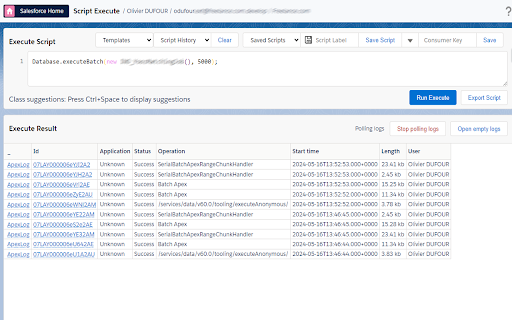
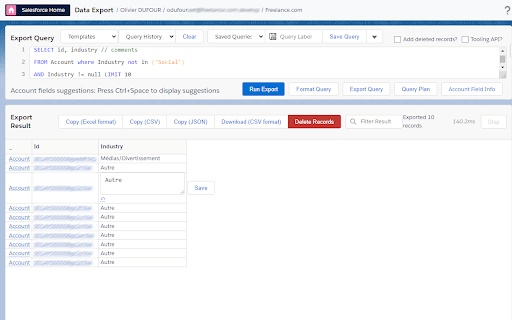
Salesforce Inspector Advanced is a Chrome extension providing a suite of productivity tools for Salesforce administrators and developers. It enables detailed inspection of data and metadata, advanced SOQL/SOSL querying, Apex code execution, metadata deployment, API testing, and AI-powered analysis directly within the Salesforce UI.

Developer:olivier.duff
Version:1.42
Size:1003KiB
Last updated:

Overview

Installs

50K+

Rating

★ 4.6

23 reviews

Languages

1 locales

Includes English

Market analysis

Review-backed positioning, friction, and market signals for this Chrome extension.

Backed by review samples

Macro category

Developer & Designer Tools

Pricing friction

Low review signal

Complaint intensity

Moderate review signal

Listing & review signals
Observed signals from store listing text and review samples.

Listing positioning

The store listing positions Salesforce Inspector Advanced as the 'Ultimate Developer Toolkit' designed to transform the Salesforce development workflow. It highlights its comprehensive nature for developers, admins, and architects, offering powerful tools to inspect, analyze, and optimize Salesforce organizations.

Inferred product pattern

A comprehensive developer toolkit and administrative utility designed to enhance productivity and workflow efficiency within the Salesforce ecosystem, offering advanced inspection, data management, and development features.

Review-backed pain points

Users report critical pain points including data inaccuracies during export (specifically dates) and missing fields in the inspector. Furthermore, the CSV export function is described as broken, and the tool experiences instability, failing to load or crashing when users try to copy text into query windows.

Observed feature gaps

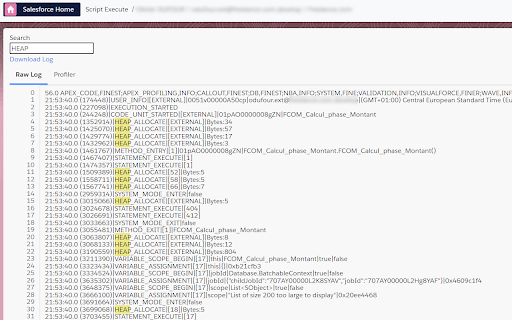
Review-backed feature gaps include requests for better window management (closing popped-out windows), an option for incognito login, shortcuts to Flow trigger explorer, the ability to bulk update in inline edit, and enhanced debug log support.

Tags
Salesforce ToolsDeveloper ProductivityAdmin UtilitiesData ManagementApex Development
Target users

- Salesforce administrators

- Salesforce developers

- Salesforce architects

Primary use cases

- Inspect and analyze Salesforce objects, fields, flows, and org health

- Manage Salesforce data with advanced SOQL/SOSL editor, export, and import tools

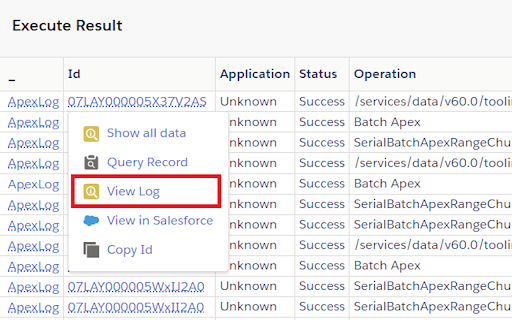
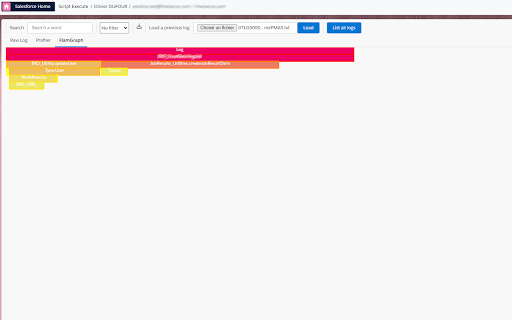
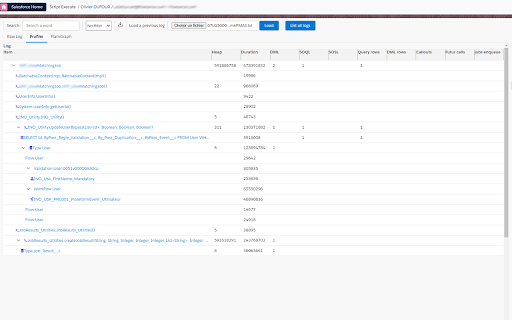
- Develop and debug Apex code with Apex Runner and Log Viewer

- Manage and deploy Salesforce metadata

- Test Salesforce APIs and integrations

- Leverage AI for flow analysis and intelligent suggestions

Positive themes

- Significant improvement over previous Salesforce Inspector versions

- Comprehensive and advanced features making daily tasks easier

- Essential and a 'must-have' tool for Salesforce admins and developers

- Useful features like in-line suggestions and Apex script execution

Negative themes

- Incorrect values returned during data exports (e.g., date discrepancies)

- Specific data fields (e.g., Item.ProductCode) not visible or loading

- Broken CSV export functionality, causing parsing issues

- Tool instability, including not loading or crashing when interacting with query windows

Observed friction

- Performance complaints detected

- Review-backed data on pricing friction is not available.

Evidence boundary: This analysis is based on the store listing description, short description, and 10 user reviews, including both high and low ratings. The analysis is based on a limited number of user reviews (22 total comments, 10 samples provided).
Complaint summaries
Review-backed complaint signals grouped by operational area.

Support

Review-backed data on support, account, or refund complaints is not available.

Reliability

Users report reliability issues such as the tool failing to load and crashing when attempting to copy text into the query window. There are also complaints about broken CSV export functionality and inaccurate data exports.

Privacy

Review-backed data on privacy or security complaints is not available.

Access & pricing

- No clear monetization signal

- No clear access signal

- No clear pricing signal

Store listing facts

Listing assets

- Screenshots: 6

- Videos: 1

- Languages: 1

Trust signals

- Privacy policy

- Developer contact

- Official website

- Support link

Store metadata

- Version: 1.42

- Size: 1003KiB

- Last updated:

Listing SEO keywords

Search intent keywords
Keyword signals for evaluating how users may discover, compare, or search for this extension category.

Core discovery

Salesforce InspectorSalesforce development toolsSalesforce admin productivitySOQL editorApex debuggerSalesforce metadata browserFlow analyzer SalesforceSalesforce data export

Comparison

Salesforce Inspector Advanced vs originalSalesforce Inspector Advanced vs ReloadedSalesforce developer extensions comparison

Problem

Salesforce data export incorrectSalesforce CSV export brokenSalesforce Inspector crashingSalesforce Inspector not loadingSalesforce flow analysis problems

Alternative

Salesforce developer tools alternativeSalesforce admin utilities alternativeChrome extension for SalesforceApex development tools

Similar extensions

Jump to related discovery paths:

Screenshots

Salesforce Inspector Advanced screenshot

Links

Recommended Chrome extensions

Related listings from the same category, trending peers, and the same publisher portfolio.

Browse developer