WEBP to PNG Converter icon

WEBP to PNG Converter Chrome Extension Analysis

Developer & Designer Tools

Chrome extension ID: dhopojdepellpeddnmfbfkdbejnkdfen

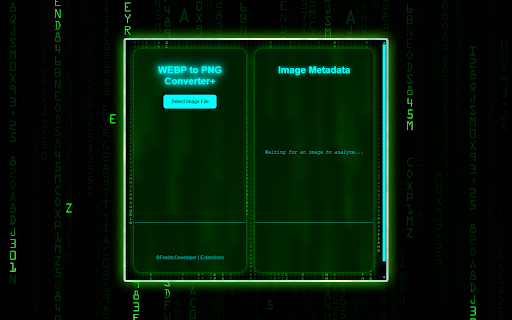
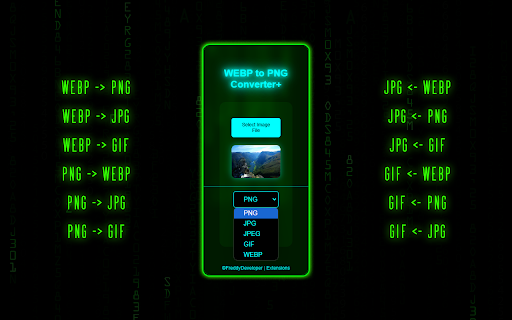
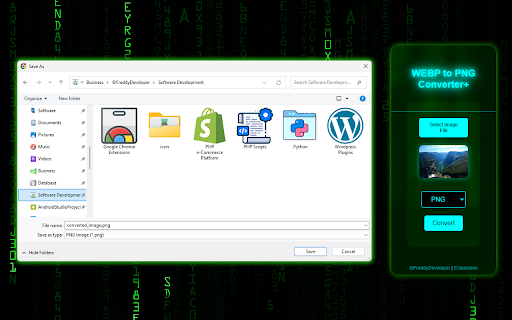
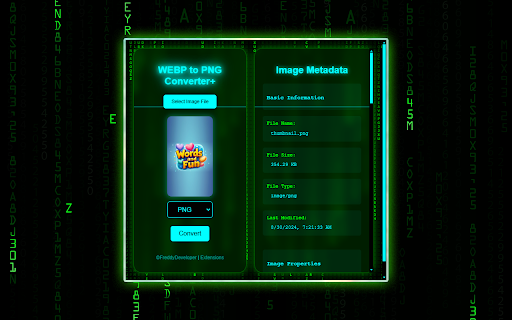
A Chrome extension that converts images between WEBP, PNG, JPG, GIF, and AVIF formats. Additionally, it provides a tool to extract technical metadata such as dimensions and file size from image files.

Developer:FreddyDeveloper
Version:3.3
Size:1.92MiB
Last updated:

Overview

Installs

1K+

Rating

4.5

24 reviews

Languages

1 locales

Includes English (United States)

Market analysis

Review-backed positioning, friction, and market signals for this Chrome extension.

Backed by review samples

Macro category

Developer & Designer Tools

Pricing friction

Low review signal

Complaint intensity

Moderate review signal

Listing & review signals
Observed signals from store listing text and review samples.

Listing positioning

The product positions itself as a fast, lightweight, and privacy-centric utility for converting images between various formats. It emphasizes a zero-friction experience with no ads, no sign-ups, and no data tracking.

Inferred product pattern

Single-purpose utility for image format transformation and metadata inspection.

Review-backed pain points

Some users experience total functional failure where the extension does not convert files, and one technical user claims the tool includes artificial processing delays.

Observed feature gaps

Lack of transparency regarding the internal logic and accuracy of the metadata/stats reported by the tool.

Tags
Image ConverterWebP to PNGMetadata ExtractorWeb DevelopmentGraphic Design
Target users

- Web developers

- Graphic designers

- Social media managers

- Photographers

- Digital creatives

Primary use cases

- Converting WEBP downloads to PNG or JPEG

- Converting standard images back to WEBP

- Extracting image dimensions and creation dates

Positive themes

- High effectiveness compared to competitors

- Ease of use

- Smooth performance

- Long-term reliability

Negative themes

- Functional failure to convert files

- Suspicions of AI-generated code

- Allegations of fake statistics and artificial delays

Observed friction

- Performance complaints detected

- No pricing friction observed; the tool claims to be free with no sign-up required.

Evidence boundary: Analysis performed using the store listing and a representative sample of high and low rating reviews. Limited total review count (23) may not represent the full user experience across all OS/browser versions.
Complaint summaries
Review-backed complaint signals grouped by operational area.

Support

No specific support or account-related complaints found in the samples.

Reliability

Reliability is polarized; while many users report it works perfectly, others claim it is non-functional or uses deceptive code practices.

Privacy

No explicit privacy violations reported, though one user expressed general distrust of the extension.

Access & pricing

- Free usage observed

- No account requirement observed

- Free plan or free usage claimed

Store listing facts

Listing assets

- Screenshots: 5

- Videos: 0

- Languages: 1

Trust signals

- Privacy policy

- Developer contact

- Official website

Store metadata

- Version: 3.3

- Size: 1.92MiB

- Last updated:

Listing SEO keywords

Search intent keywords
Keyword signals for evaluating how users may discover, compare, or search for this extension category.

Core discovery

convert webp to pngwebp image converterextract image metadatawebp to jpg chrome extension

Comparison

best webp converter for chromewebp to png vs online converters

Problem

cannot save webp as pngwebp file conversion errorhow to see webp metadata

Alternative

webp converter alternativefree webp to png extension

Similar extensions

Jump to related discovery paths:

Screenshots

WEBP to PNG Converter screenshot

Links

Recommended Chrome extensions

Related listings from the same category, trending peers, and the same publisher portfolio.

Browse tools