Adobe Acrobat: PDF edit, convert, sign tools icon

Adobe Acrobat Chrome Extension Analysis

Automation & Workflow Efficiency

Store listing title: Adobe Acrobat: PDF edit, convert, sign tools

Chrome extension ID: efaidnbmnnnibpcajpcglclefindmkaj

This extension provides an integrated toolkit for managing PDF files in Chrome. Users can view, annotate, and sign documents for free, while paid tiers unlock advanced features like file conversion, merging, and splitting.

Developer:Adobe Inc.
Version:26.8.1.7
Size:5.08MiB
Last updated:

Overview

Installs

305.0M+

Rating

4.4

62,810 reviews

Languages

28 locales

Includes Deutsch, English, English (United Kingdom), Nederlands...

Market analysis

Review-backed positioning, friction, and market signals for this Chrome extension.

Backed by review samples

Macro category

Automation & Workflow Efficiency

Pricing friction

Moderate review signal

Complaint intensity

High review signal

Listing & review signals
Observed signals from store listing text and review samples.

Listing positioning

Adobe positions this extension as the definitive, industry-standard solution for PDF management directly within the Chrome browser. It highlights free core functionality like viewing and commenting alongside premium productivity tools such as conversion, compression, and document organization.

Inferred product pattern

Utility-focused browser extension acting as a gateway to a broader SaaS ecosystem.

Review-backed pain points

Users frequently report browser-level performance degradation, significant lag, and frustration with constant prompts to upgrade or use AI features on sensitive documents.

Observed feature gaps

Lack of offline stability and limited free access to core editing features, which users can find elsewhere for free.

Tags
PDF EditorDocument ManagementAdobe AcrobatPDF ReaderE-sign
Target users

- Corporate professionals

- Legal workers

- Remote office workers

Primary use cases

- Viewing PDFs

- Adding comments/notes

- Filling and signing forms

- Converting document formats

Positive themes

- Integration with existing Adobe workflow

- Convenience of browser-based tools

Negative themes

- System instability and freezing

- Aggressive upselling and pop-ups

- Forced cloud storage usage

- Poor performance compared to legacy versions

Observed friction

- Free-tier complaints detected

- Performance complaints detected

- Users express strong dissatisfaction with the conversion of basic tools into premium, subscription-locked features and aggressive marketing tactics.

Evidence boundary: Data based on a large sample of user reviews highlighting performance issues and friction related to upsell tactics. Review sample is skewed toward negative experiences during a specific recent timeframe.
Complaint summaries
Review-backed complaint signals grouped by operational area.

Support

No direct support complaints, but users report frustration with repetitive installation cycles to fix broken functionality.

Reliability

Significant reports of the extension hanging, freezing the browser, and failing to open or download PDF files.

Privacy

General user discomfort regarding the shift toward cloud-only storage and automated document analysis.

Access & pricing

- Free entry with paid features

- Login needed for core features

- Limited free usage observed

Store listing facts

Listing assets

- Screenshots: 5

- Videos: 1

- Languages: 28

Trust signals

- Privacy policy

- Developer contact

- Official website

Store metadata

- Version: 26.8.1.7

- Size: 5.08MiB

- Last updated:

Listing SEO keywords

Search intent keywords
Keyword signals for evaluating how users may discover, compare, or search for this extension category.

Core discovery

Adobe Acrobat Chrome extensionEdit PDF in ChromeSign PDF online

Comparison

Adobe Acrobat vs free PDF readersbest chrome extension for pdf

Problem

Adobe Acrobat slowAdobe Acrobat freezingAcrobat extension not working

Alternative

free pdf editor for chromebest alternative to adobe acrobat

Similar extensions

Jump to related discovery paths:

Screenshots

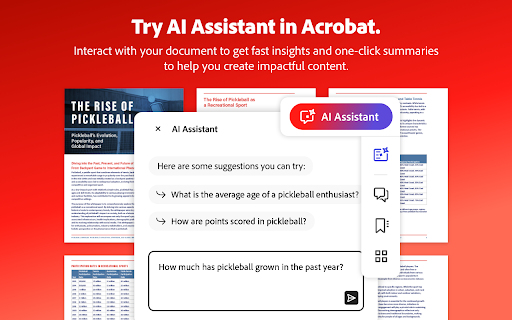
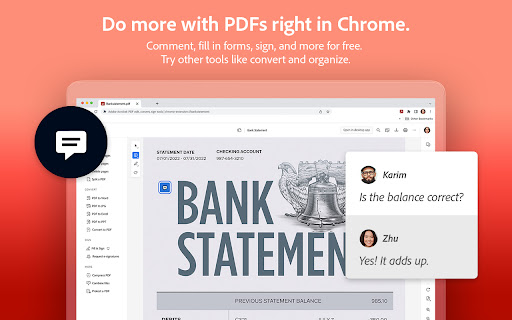
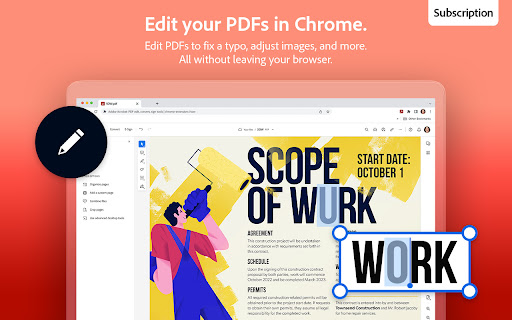
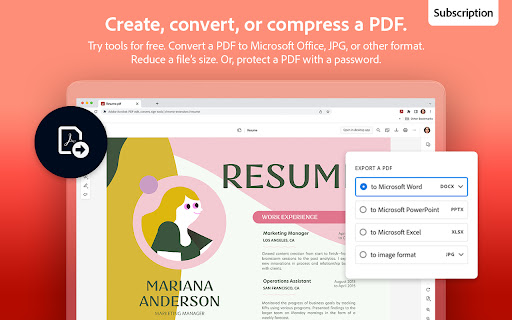
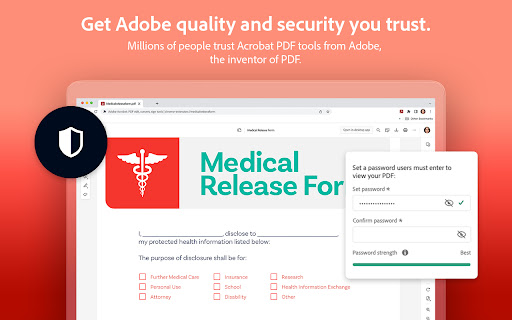
Adobe Acrobat: PDF edit, convert, sign tools screenshot

Links

Recommended Chrome extensions

Related listings from the same category, trending peers, and the same publisher portfolio.

Browse workflow