Scribe: AI Documentation, SOPs & Process Intelligence icon

Scribe Chrome Extension Analysis

Automation & Workflow Efficiency

Store listing title: Scribe: AI Documentation, SOPs & Process Intelligence

Chrome extension ID: okfkdaglfjjjfefdcppliegebpoegaii

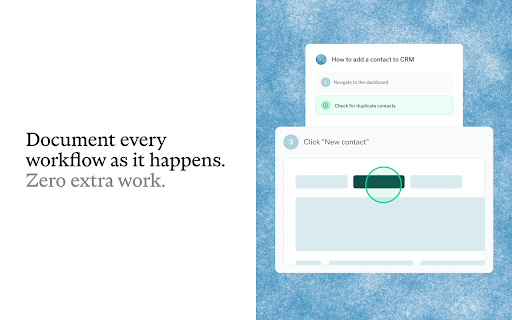
Scribe is a browser extension that records user interactions to generate automated, step-by-step documentation. Users can edit these guides, annotate screenshots, and export them for use in internal wikis or help centers.

Version:104.31.0
Size:1.83MiB
Last updated:

Overview

Installs

1.0M+

Rating

★ 4.8

834 reviews

Languages

1 locales

Includes English

Market analysis

Review-backed positioning, friction, and market signals for this Chrome extension.

Backed by review samples

Macro category

Automation & Workflow Efficiency

Pricing friction

Moderate review signal

Complaint intensity

Moderate review signal

Listing & review signals
Observed signals from store listing text and review samples.

Listing positioning

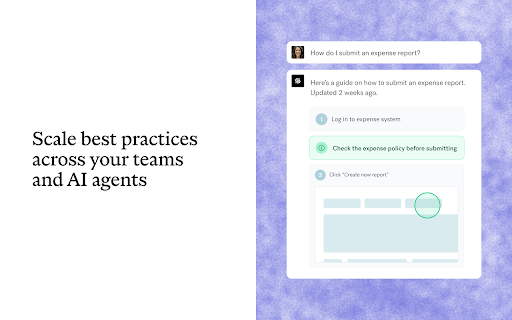
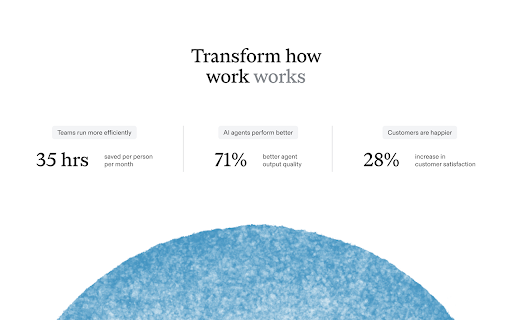
Scribe positions itself as a comprehensive documentation and workflow scaling tool that automatically captures steps and screenshots to create professional SOPs. It targets teams looking to reduce time spent on training and documentation by offering seamless embedding and collaborative guide features.

Inferred product pattern

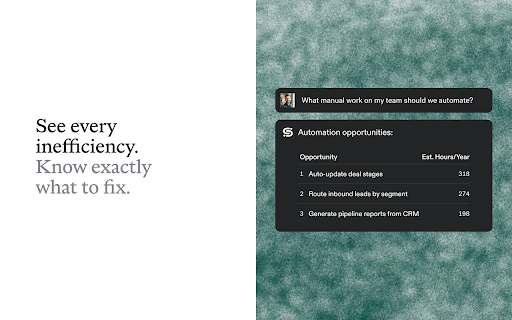
Automated screen-capture workflow engine with a heavy emphasis on SaaS knowledge management.

Review-backed pain points

Users frequently express frustration over the inability to export guides on the free plan, technical performance issues like browser lag/crashes, and difficulty in stopping the recording process.

Observed feature gaps

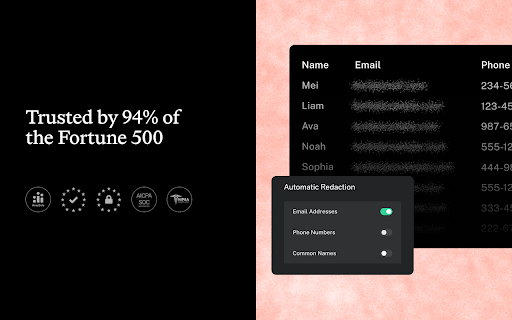
Reviewers note a lack of trial options for advanced features, issues with redact/privacy controls in personal versions, and compatibility gaps for browsers like Vivaldi and Arc.

Tags
DocumentationSOPScreen CaptureWorkflow AutomationOnboarding
Target users

- Instructional Designers

- SaaS Teams

- New Hire Trainers

- Customer Success Managers

Primary use cases

- Creating SOPs

- Employee Onboarding

- Customer Training

- Internal Knowledge Base Documentation

Positive themes

- Fast creation of professional guides

- User-friendly interface

- Effective automated screenshot capture

- High value for basic onboarding

Negative themes

- High paywall friction for exporting

- Inconsistent reliability and browser performance

- Difficulty managing captured steps

- Lack of compatibility with non-Chrome browsers

Observed friction

- Free-tier complaints detected

- Performance complaints detected

- Privacy complaints detected

- Users report significant frustration regarding the free-to-paid conversion, specifically citing the inability to download/export guides without a Pro subscription.

Evidence boundary: Evidence gathered from 830 store reviews and the product's official listing, focusing on functional capabilities and common user pain points. Reviews are subjective and may not represent the entire user base; technical issues reported may be environment-specific (e.g., non-Chrome browsers).
Complaint summaries
Review-backed complaint signals grouped by operational area.

Support

Concerns center on missing features promised in paid plans and dissatisfaction with the lack of trial options for professional tiers.

Reliability

Reports of browser crashes, extension freezing during recording, and difficulty stopping capture sessions consistently appear in user feedback.

Privacy

Some users perceive the requirement for 'access to all websites' permission as an unnecessary security risk.

Access & pricing

- Free entry with paid features

- Account required for core usage

- Limited free usage observed

Store listing facts

Listing assets

- Screenshots: 5

- Videos: 0

- Languages: 1

Trust signals

- Privacy policy

- Developer contact

- Official website

- Support link

Store metadata

- Version: 104.31.0

- Size: 1.83MiB

- Last updated:

Listing SEO keywords

Search intent keywords
Keyword signals for evaluating how users may discover, compare, or search for this extension category.

Core discovery

automated documentation toolSOP generatorscreen capture softwarestep-by-step guides

Comparison

Scribe alternativeScribe vsfree documentation software

Problem

manual documentation slowtraining onboarding issues

Alternative

SnagitLoomStepShot

Similar extensions

Jump to related discovery paths:

Screenshots

Scribe: AI Documentation, SOPs & Process Intelligence screenshot

Links