Enable JavaScript icon

Enable JavaScript Chrome Extension Analysis

Developer & Designer Tools

Chrome extension ID: egljjlhdimceghlkloddalnlpgdgkboj

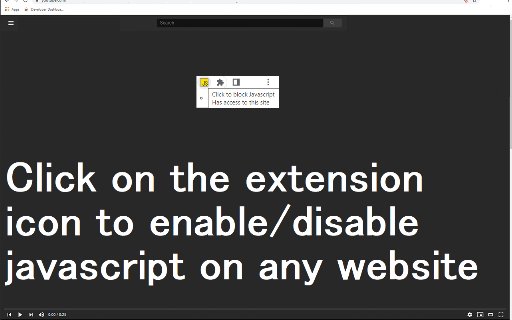
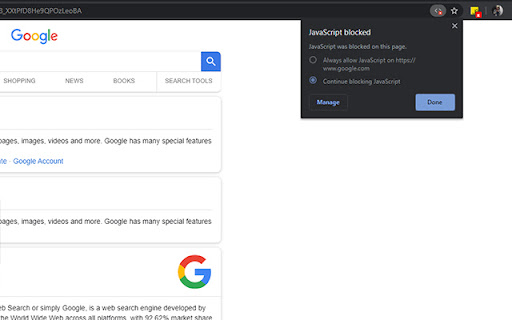
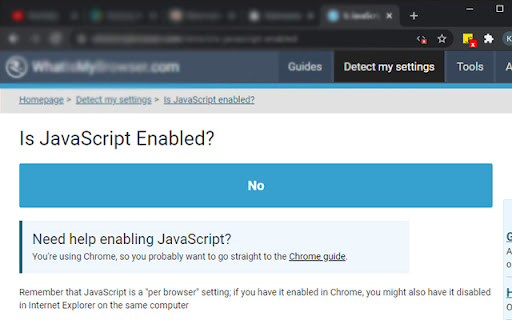
This Chrome extension provides a simple way to toggle JavaScript on or off for the active tab. It is designed to assist with technical debugging and website testing through quick script management.

Version:3.0.0
Size:197KiB
Last updated:

Overview

Installs

10K+

Rating

4.4

7 reviews

Languages

38 locales

Includes Deutsch, English, Filipino, Indonesia...

Market analysis

Review-backed positioning, friction, and market signals for this Chrome extension.

Backed by review samples

Macro category

Developer & Designer Tools

Pricing friction

Low review signal

Complaint intensity

Moderate review signal

Listing & review signals
Observed signals from store listing text and review samples.

Listing positioning

The extension is positioned as a lightweight, single-button utility for enabling or disabling JavaScript on a per-tab basis. It is specifically marketed toward users who need to debug web pages or check for code errors.

Inferred product pattern

A single-purpose utility tool focused on rapid developer-oriented environment manipulation.

Review-backed pain points

Users reported that the extension fails to add websites to an allow list, causing the JavaScript toggle to function globally rather than specifically for individual sites.

Observed feature gaps

The product lacks a granular allow/deny list for managing JavaScript on a per-domain basis.

Tags
JavaScript ToggleWeb DebuggingDeveloper ToolChrome Extension
Target users

- Web Developers

- QA Engineers

- Technical Debuggers

Primary use cases

- Debugging web page code errors

- Testing website behavior with/without JavaScript

- Rapidly toggling script execution per tab

Positive themes

- Lightweight and effortless use

- Minimalism in permission requests

- Effective for simple toggling tasks

Negative themes

- Lack of granular control

- Global rather than site-specific application

Observed friction

- No pricing information or friction is mentioned in the listing or reviews.

Evidence boundary: Extracted from the Chrome Web Store listing and 7 user reviews. The very low number of reviews (7) limits the statistical significance of the sentiment and feature gap observations.
Complaint summaries
Review-backed complaint signals grouped by operational area.

Support

No support or account-related complaints were identified.

Reliability

No reliability or performance-based complaints were identified.

Privacy

One user highlighted a lack of unnecessary permission requests as a positive attribute.

Access & pricing

- No clear monetization signal

- No account requirement observed

- No clear pricing signal

Store listing facts

Listing assets

- Screenshots: 4

- Videos: 0

- Languages: 38

Trust signals

- Developer contact

- Official website

- Support link

Store metadata

- Version: 3.0.0

- Size: 197KiB

- Last updated:

Listing SEO keywords

Search intent keywords
Keyword signals for evaluating how users may discover, compare, or search for this extension category.

Core discovery

enable javascriptdisable javascriptjavascript togglechrome developer tool

Comparison

JavaScript managerscript blocker

Problem

turn off javascriptdebug javascript errorsjavascript not working

Alternative

JavaScript controllerscript toggler

Similar extensions

Jump to related discovery paths:

Screenshots

Enable JavaScript screenshot

Links

Recommended Chrome extensions

Related listings from the same category, trending peers, and the same publisher portfolio.

Browse education