Markdown Editor icon

Markdown Editor Chrome Extension Analysis

Developer & Designer Tools

Chrome extension ID: ekdcaddpmiodcipjfmffhhefijpdckaf

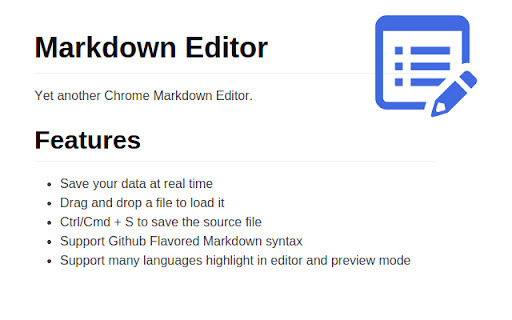
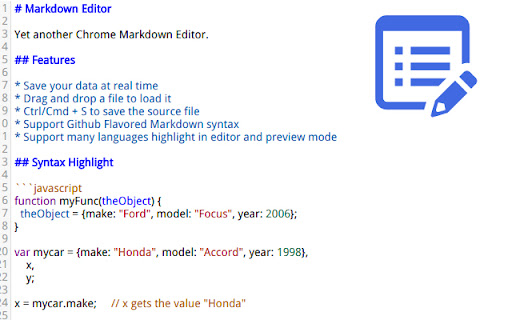
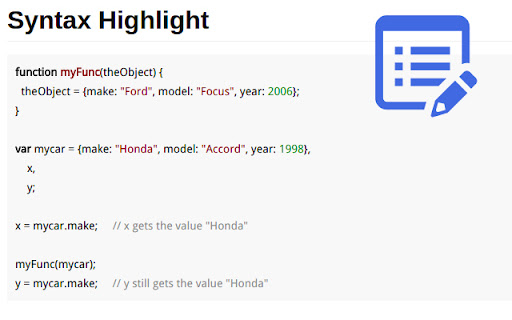
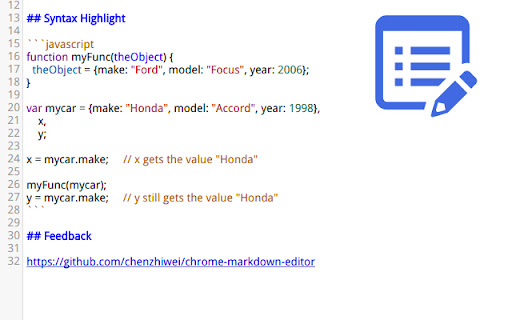
A browser-based markdown editor designed for users who need GFM compatibility. It allows users to open, edit, and save local markdown files and provides a preview that aligns with GitHub's styling.

Developer:chenzhiwei
Version:0.5.1
Size:1.83MiB
Last updated:

Overview

Installs

8K+

Rating

4.1

31 reviews

Languages

1 locales

Includes English (United States)

Market analysis

Review-backed positioning, friction, and market signals for this Chrome extension.

Backed by review samples

Macro category

Developer & Designer Tools

Pricing friction

Low review signal

Complaint intensity

Moderate review signal

Listing & review signals
Observed signals from store listing text and review samples.

Listing positioning

The product is positioned as a GitHub Flavored Markdown (GFM) editor that mimics the GitHub editor and preview format. It emphasizes utility features like real-time saving, local file access, and PDF printing.

Inferred product pattern

A specialized syntax editor providing GFM rendering for developers and technical writers.

Review-backed pain points

Users report that Ctrl+S often saves the HTML page rather than the markdown file, and some users find the editor too basic, comparing it to a simple notepad without visual formatting tools.

Observed feature gaps

Missing support for LaTeX formulas, missing TODO list syntax (- [x]), lack of image preview capabilities, and inconsistent night mode settings.

Tags
Markdown EditorGFMGitHub StylingPDF ExportDeveloper Utility
Target users

- Software Developers

- Technical Writers

- GitHub Contributors

- Reddit Power Users

Primary use cases

- Writing GitHub README files

- Drafting long-form forum posts

- Local markdown file editing

- Converting markdown to PDF

Positive themes

- Accurate GitHub styling

- Useful for drafting READMEs

Negative themes

- File saving failures

- Lack of visual editing tools

- Missing syntax support

- File opening issues

Observed friction

- Performance complaints detected

- No pricing friction observed; the tool appears to be free.

Evidence boundary: Analysis based on store listing claims and a representative sample of 10 user reviews. Review sample is a small subset of the total comment count and includes mixed-language feedback.
Complaint summaries
Review-backed complaint signals grouped by operational area.

Support

No specific support or account-related complaints found in the provided samples.

Reliability

Reliability issues reported regarding the 'save' functionality and the ability to open .md files from the local system.

Privacy

No privacy or security complaints observed.

Access & pricing

- Free usage observed

- No account requirement observed

- Free plan or free usage claimed

Store listing facts

Listing assets

- Screenshots: 4

- Videos: 0

- Languages: 1

Trust signals

- Privacy policy

- Developer contact

Store metadata

- Version: 0.5.1

- Size: 1.83MiB

- Last updated:

Listing SEO keywords

Search intent keywords
Keyword signals for evaluating how users may discover, compare, or search for this extension category.

Core discovery

GitHub Flavored Markdown editorChrome markdown editorGFM preview extensionMarkdown to PDF chrome

Comparison

Markdown Editor vs StackEditbest GFM editor for Chrome

Problem

edit markdown files in browsersave markdown as file chromeGitHub README editor

Alternative

Markdown editor alternativeGFM editor extension

Similar extensions

Jump to related discovery paths:

Screenshots

Markdown Editor screenshot

Links

Recommended Chrome extensions

Related listings from the same category, trending peers, and the same publisher portfolio.

Browse developer