Fonts Ninja icon

Fonts Ninja Chrome Extension Analysis

Developer & Designer Tools

Chrome extension ID: eljapbgkmlngdpckoiiibecpemleclhh

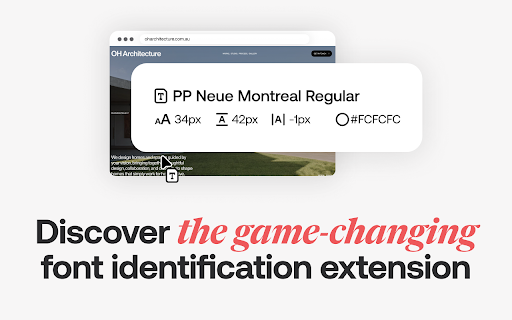
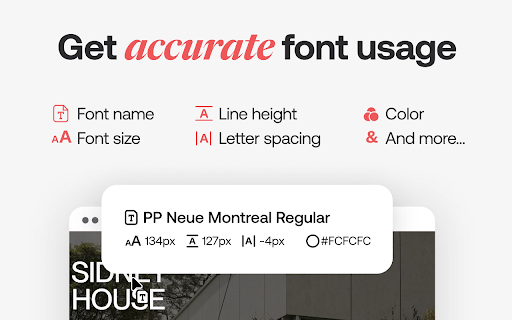
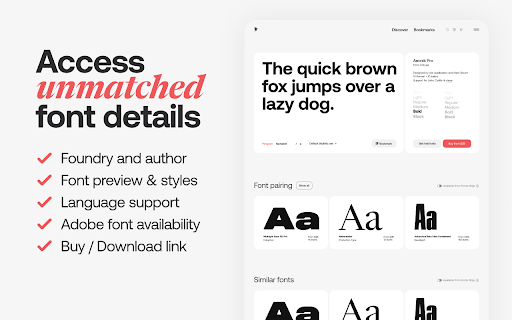
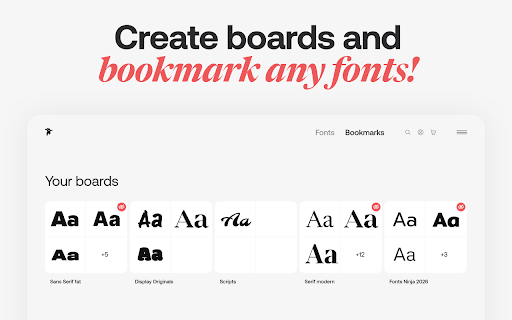
This extension allows users to hover over any web text to identify the font, view its CSS properties, and inspect metadata such as foundry and pricing. It includes a management interface to bookmark fonts for inspiration and search for similar alternatives.

Developer:Fonts Ninja
Version:8.0.8
Size:2.04MiB
Last updated:

Overview

Installs

800K+

Rating

4.4

896 reviews

Languages

1 locales

Includes English (United States)

Market analysis

Review-backed positioning, friction, and market signals for this Chrome extension.

Backed by review samples

Macro category

Developer & Designer Tools

Pricing friction

Moderate review signal

Complaint intensity

Moderate review signal

Listing & review signals
Observed signals from store listing text and review samples.

Listing positioning

Fonts Ninja positions itself as an essential workflow accelerator for designers, focusing on identifying, bookmarking, and analyzing web typography. It highlights a proprietary 'Font DNA' algorithm for accurate detection and detailed font property extraction.

Inferred product pattern

Utility-focused browser extension for design professionals with a growing focus on proprietary font-discovery services.

Review-backed pain points

Users have expressed frustration with update-related feature regression, specifically the loss of font property copying and access to similar font tools, alongside intermittent performance issues.

Observed feature gaps

Some users report that newer UI updates lack previous functionality, such as direct property copying, and note inconsistent activation on certain web pages.

Tags
Font IdentifierWeb DesignTypographyCSS Inspector
Target users

- Graphic Designers

- Web Designers

- UI/UX Developers

- Typography Enthusiasts

Primary use cases

- Identifying fonts on websites

- Analyzing font CSS properties

- Bookmarking font inspiration

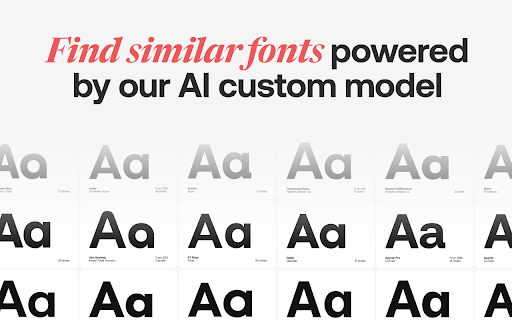
- Searching for similar or complementary fonts

Positive themes

- High ease of use

- Essential tool for daily design workflows

- Effective and fast font identification

- Long-term reliability for many users

Negative themes

- Recent UI updates removing useful features

- Reported application crashes

- Concerns regarding data collection

- Unexpected redirection/referral link practices

Observed friction

- Free-tier complaints detected

- Performance complaints detected

- Privacy complaints detected

- Some users have expressed dissatisfaction with the shift toward paid features and perceived changes to the free usage model.

Evidence boundary: The assessment is based on a mix of highly positive long-term user satisfaction and specific critical feedback regarding recent UI/feature updates and privacy concerns. Review sentiment is bifurcated between long-time power users and those encountering breakage or UX regressions following recent updates.
Complaint summaries
Review-backed complaint signals grouped by operational area.

Support

Complaints focus on technical breakage following updates rather than poor direct support interactions.

Reliability

Users report periodic crashes, installation issues, and functional regressions after major version updates.

Privacy

Isolated reports mention concern over the collection of personal and authentication data by the extension.

Access & pricing

- Free entry with paid features

- No account requirement observed

- Limited free usage observed

Store listing facts

Listing assets

- Screenshots: 5

- Videos: 0

- Languages: 1

Trust signals

- Privacy policy

- Developer contact

- Official website

Store metadata

- Version: 8.0.8

- Size: 2.04MiB

- Last updated:

Listing SEO keywords

Search intent keywords
Keyword signals for evaluating how users may discover, compare, or search for this extension category.

Core discovery

identify font on websitefont finder chrome extensionwhat font is thisweb typography tooldesigner font inspector

Comparison

Fonts Ninja alternativeWhatFont vs Fonts Ninjabest font identifier extension

Problem

Fonts Ninja not workingFonts Ninja crashhow to see font css

Alternative

WhatFontFont FinderWhatFontIs

Similar extensions

Jump to related discovery paths:

Screenshots

Fonts Ninja screenshot

Links

Recommended Chrome extensions

Related listings from the same category, trending peers, and the same publisher portfolio.

Browse workflow