Scribbr Citation Generator Chrome Extension Analysis
AI & Writing AssistantsChrome extension ID: epbobagokhieoonfplomdklollconnkl
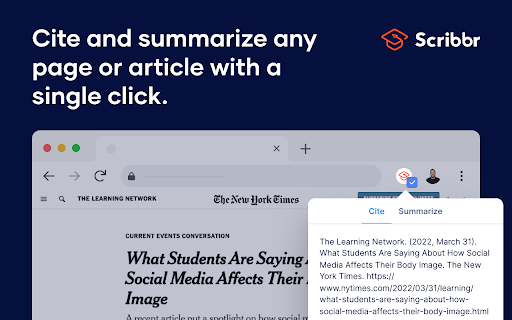
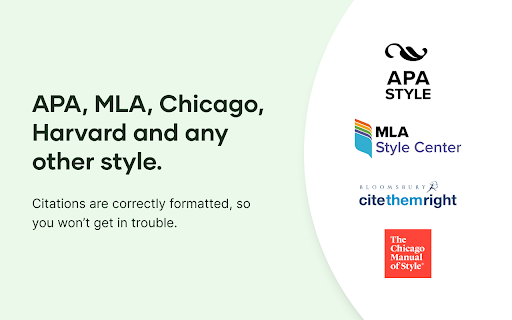
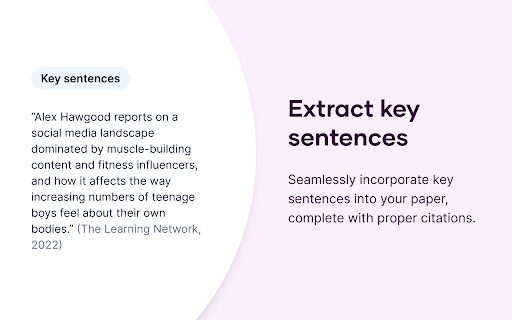
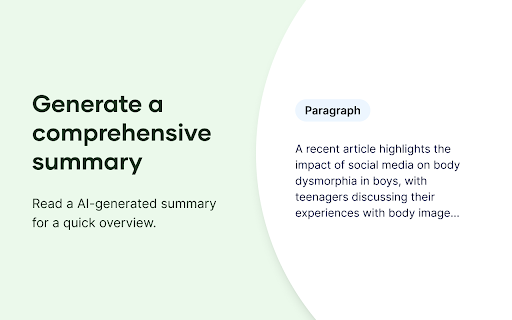
Scribbr's Citation Generator is a Chrome extension designed to create accurate citations for online sources in multiple academic formats, including APA, MLA, and Chicago. It also offers features to extract key sentences from web pages and generate summaries, aiming to streamline the research and writing process for users.
Overview
Installs
1.0M+
Rating
★ 3.9
139 reviews
Languages
1 locales
Includes English (United States)
Market analysis
Review-backed positioning, friction, and market signals for this Chrome extension.
Macro category
AI & Writing Assistants
Pricing friction
Low review signal
Complaint intensity
High review signal
Listing positioning
Scribbr's Citation Generator is positioned as an essential tool for students, teachers, and universities to quickly and accurately generate citations in various academic styles. It highlights its ability to cite webpages, journal articles, and videos, while also offering features like extracting key sentences and generating summaries.
Inferred product pattern
The product operates as a browser extension that aims to automate the creation of academic citations and summaries. It appears to have a freemium or subscription-based model, with core functionality being unreliable for many users, particularly with specific file types like PDFs.
Review-backed pain points
Users frequently report that the citation generator fails to work for PDF files and often generates inaccurate citations for government websites, missing important details like publication dates. Issues with the extension not activating or syncing with other tools like Google Docs are also common frustrations. Some users also mention that the tool repeatedly prompts for a subscription even when attempting to use basic functions.
Observed feature gaps
The extension exhibits significant limitations in its ability to handle PDF documents and specific types of websites (e.g., government sites). There are also reported issues with integration with other writing tools like Google Docs and inconsistent functionality across different browsers. The tool's AI-generated summaries are also noted as needing verification against original content.
- Students
- Academics
- Researchers
- Generating citations for academic papers
- Extracting key sentences from sources
- Summarizing web content for research
- Convenient when it works
- Easy to use for specific source types (webpages, journal articles)
- Helpful support when issues arise
- Fails to cite PDFs
- Incorrectly cites government websites and struggles to find dates
- Does not work on all browsers/platforms
- Citations are formatted incorrectly or not generated at all
- Features are not consistently functional or available
- Performance complaints detected
- While not explicitly stated as a paid-only product, some reviews indicate that the extension repeatedly prompts for a subscription or that functionality is limited without one, creating friction for users expecting a free tool.
Support
While one review mentions helpful and quick responses from support, other reviews suggest a lack of resolution for persistent technical issues. The inability to transfer citations to Google Docs is a significant support-related issue.
Reliability
Multiple users report that the extension has stopped working, fails to generate citations correctly, or does not activate on certain pages or browsers. Specific issues include problems with PDFs, government websites, and synchronization with other applications.
Privacy
No specific privacy or security complaints were identified in the provided reviews.
- No clear monetization signal
- No clear access signal
- No clear pricing signal
Store listing facts
- Screenshots: 5
- Videos: 0
- Languages: 1
- Privacy policy
- Developer contact
- Official website
- Support link
- Version: 43.22
- Size: 4.71MiB
- Last updated:
Listing SEO keywords
Core discovery
Comparison
Problem
Alternative
Similar extensions
Jump to related discovery paths:
Screenshots
Links
Website: scribbr.com
Privacy policy: https://www.scribbr.com/legal/privacy-policy/
Support links: https://www.scribbr.com/contact/