Print feedbacks for Google Forms icon

Print feedbacks for Google Forms Chrome Extension Analysis

Automation & Workflow Efficiency

Chrome extension ID: hiljfagagekagnennhceimgkgbbacgip

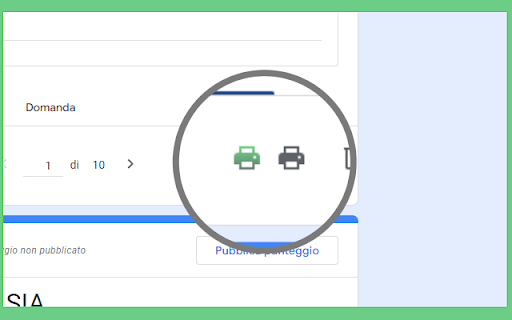
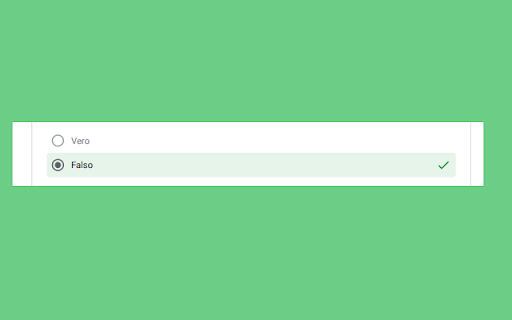
This tool adds a printing feature to Google Forms that allows users to generate PDFs of individual responses. It specifically includes answer keys and teacher feedback, and it automates file naming using the responder's email address.

Developer:sonia.guerci
Version:0.0.3
Size:189KiB
Last updated:

Overview

Installs

1K+

Rating

5.0

8 reviews

Languages

2 locales

Includes English, italiano

Market analysis

Review-backed positioning, friction, and market signals for this Chrome extension.

Backed by review samples

Macro category

Automation & Workflow Efficiency

Pricing friction

Low review signal

Complaint intensity

Low review signal

Listing & review signals
Observed signals from store listing text and review samples.

Listing positioning

The extension is positioned as a specialized utility for educators to bridge a functional gap in Google Forms. It focuses on enabling the printing and archiving of individual student responses with full feedback and answer keys included.

Inferred product pattern

A niche utility designed to restore or enhance specific administrative workflows for educators within the Google Workspace ecosystem.

Review-backed pain points

Users cannot natively print individual Google Form responses while including the answer key and teacher feedback.

Observed feature gaps

Native Google Forms printing lacks comprehensive individual response documentation including feedback.

Tags
Google FormsTeacher ToolsPDF ExportEducation Utilities
Target users

- Teachers

- Educators

- School Administrators

Primary use cases

- Archiving student quiz results as PDF

- Printing student work samples with feedback

- Documenting formative/summative assessments

Positive themes

- Includes answer keys and feedback in printouts

- Generates clean prints without repetitive headers

- Restores functionality previously available in Google Forms

- Automated PDF naming for easier organization

Negative themes

No negative theme data.

Observed friction

- No pricing information or friction was identified in the provided data.

Evidence boundary: Data is based on the product description and five 5-star reviews in English, Portuguese, and Italian. The dataset contains no negative reviews, meaning sentiment and pain points are based on the identified problem the product solves rather than user dissatisfaction.
Complaint summaries
Review-backed complaint signals grouped by operational area.

Support

No support complaints were observed.

Reliability

No reliability or performance complaints were observed.

Privacy

No privacy complaints were observed.

Access & pricing

- No clear monetization signal

- No account requirement observed

- No clear pricing signal

Store listing facts

Listing assets

- Screenshots: 2

- Videos: 0

- Languages: 2

Trust signals

- Developer contact

- Official website

Store metadata

- Version: 0.0.3

- Size: 189KiB

- Last updated:

Listing SEO keywords

Search intent keywords
Keyword signals for evaluating how users may discover, compare, or search for this extension category.

Core discovery

Print Google Forms feedbackGoogle Forms to PDFPrint student responses Google FormsGoogle Forms quiz printing

Comparison

Google Forms native printingGoogle Forms response export

Problem

Google Forms missing feedbackprint Google Forms with answers

Alternative

Google Forms PDF generatorstudent response printer

Similar extensions

Jump to related discovery paths:

Screenshots

Print feedbacks for Google Forms screenshot

Links

Website: eurisoft.it

Recommended Chrome extensions

Related listings from the same category, trending peers, and the same publisher portfolio.

Browse education