Extensions button icon

Extensions button Chrome Extension Analysis

Tab & Bookmark Productivity

Chrome extension ID: iimnlpkklbehlibkphacaolndffafifk

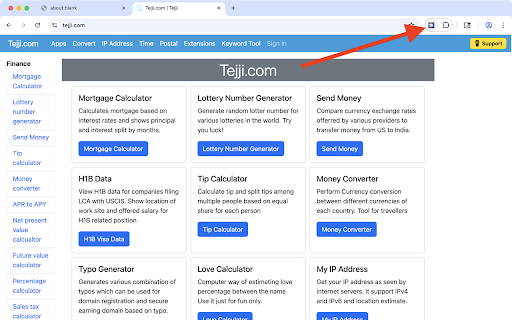
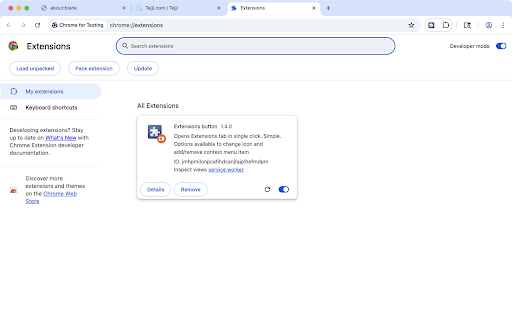
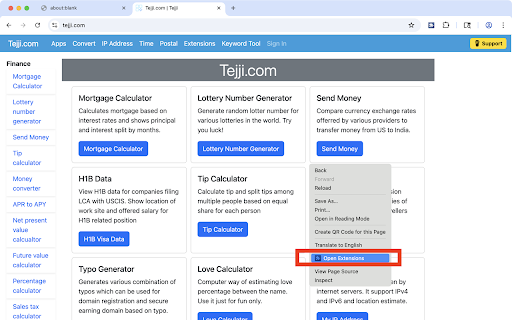
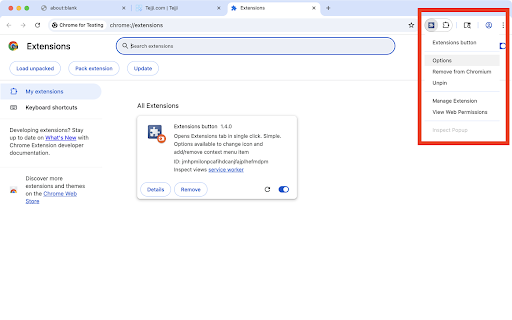
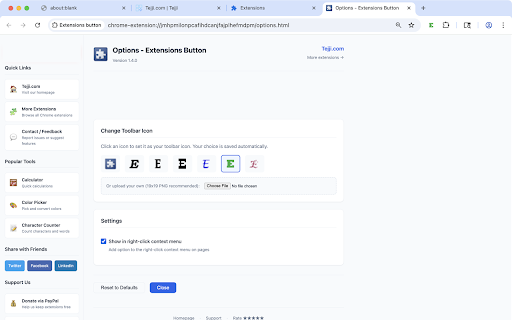
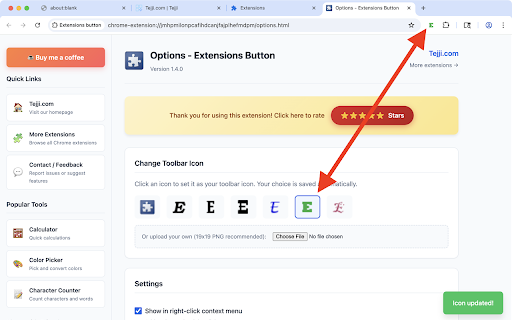
An extension that provides instant access to the Chrome Extensions management page via a toolbar button. It includes customization options for icons and context menu integration.

Developer:tejji
Version:1.4.0
Size:74.48KiB
Last updated:

Overview

Installs

1K+

Rating

4.8

85 reviews

Languages

1 locales

Includes English

Market analysis

Review-backed positioning, friction, and market signals for this Chrome extension.

Backed by review samples

Macro category

Tab & Bookmark Productivity

Pricing friction

Low review signal

Complaint intensity

Low review signal

Listing & review signals
Observed signals from store listing text and review samples.

Listing positioning

The product is positioned as a simple, one-click utility to bypass Chrome's menus for extension management. It emphasizes speed, customization, and minimal permission usage.

Inferred product pattern

A lightweight productivity utility that monetizes via search redirection while providing quick-access browser shortcuts.

Review-backed pain points

Users reported issues with the icon changer feature not working and potential permission/URL pattern errors in certain versions.

Observed feature gaps

Reports indicate the icon customization feature may be unreliable.

Tags
Browser UtilityExtension ManagerWorkflow OptimizationToolbar Customization
Target users

- Power users

- Developers

- Chrome extension enthusiasts

Primary use cases

- Quickly accessing the extensions settings page

- Managing and toggling extensions frequently

- Customizing browser toolbar aesthetics

Positive themes

- Ease of use

- Efficiency

- Simplicity of the tool

Negative themes

- Feature malfunction

- Potential permission errors

Observed friction

- No pricing friction reported; the service is free but uses search redirection for monetization.

Evidence boundary: Evidence gathered from store listing claims and user reviews regarding feature utility and specific functionality failures. The review sample is relatively small and contains mentions of very old browser versions.
Complaint summaries
Review-backed complaint signals grouped by operational area.

Support

No support complaints observed in the provided data.

Reliability

Some users noted that specific features like the icon changer do not work as intended.

Privacy

No privacy complaints observed; the listing claims minimal permission requirements.

Access & pricing

- Ad-supported model observed

- No account requirement observed

- Free plan or free usage claimed

Store listing facts

Listing assets

- Screenshots: 7

- Videos: 0

- Languages: 1

Trust signals

- Privacy policy

- Developer contact

- Official website

- Support link

Store metadata

- Version: 1.4.0

- Size: 74.48KiB

- Last updated:

Listing SEO keywords

Search intent keywords
Keyword signals for evaluating how users may discover, compare, or search for this extension category.

Core discovery

Chrome extensions manageropen extensions tabmanage browser extensionsextensions button

Comparison

extension shortcutchrome extension access tool

Problem

how to open chrome extensions pagequick access to extension settings

Alternative

extension managerbrowser workflow tool

Similar extensions

Jump to related discovery paths:

Screenshots

Extensions button screenshot

Links

Recommended Chrome extensions

Related listings from the same category, trending peers, and the same publisher portfolio.

Browse workflow