Screen Recorder & Screenshot App for Chrome | Scrnli icon

Screen Recorder & Screenshot App for Chrome | Scrnli Chrome Extension Analysis

Automation & Workflow Efficiency

Chrome extension ID: ijejnggjjphlenbhmjhhgcdpehhacaal

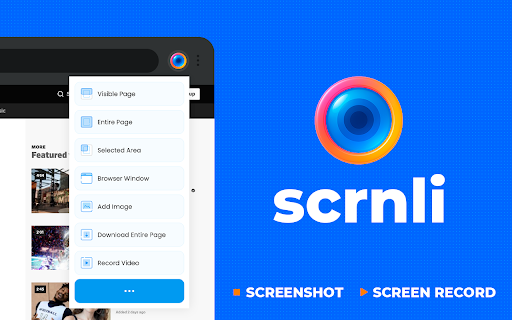
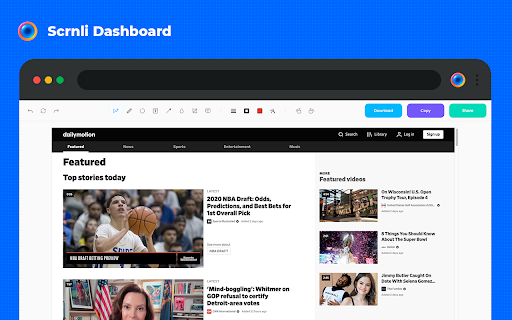
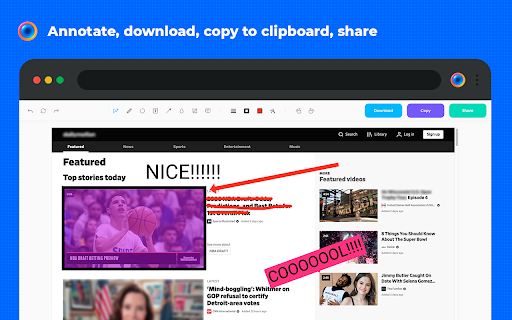
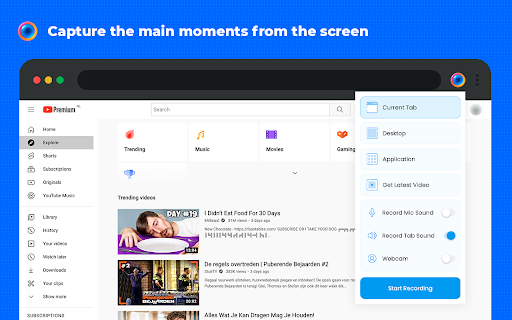
A Chrome extension that provides screen recording and screenshot capabilities. Users can annotate captures with text and arrows, record both browser tabs and desktops, and download or share files instantly.

Developer:scrnli
Version:4.3.9
Size:6.09MiB
Last updated:

Overview

Installs

1.0M+

Rating

★ 4.7

10,940 reviews

Languages

54 locales

Includes Deutsch, English, English (United Kingdom), English (United States)...

Market analysis

Review-backed positioning, friction, and market signals for this Chrome extension.

Backed by review samples

Macro category

Automation & Workflow Efficiency

Pricing friction

Low review signal

Complaint intensity

High review signal

Listing & review signals
Observed signals from store listing text and review samples.

Listing positioning

Scrnli positions itself as a lightweight, powerful, and secure tool for capturing screenshots and recording screen videos. It emphasizes ease of use for capturing full pages or specific areas and instant sharing via links.

Inferred product pattern

A widely used productivity utility facing significant recent reliability and performance regressions reported by users.

Review-backed pain points

Users report frequent freezes, audio cutting out, and recordings stopping prematurely. There are also complaints regarding poor screenshot resolution and the removal of a previously available pause function.

Observed feature gaps

Lack of an automatic saving feature, absence of a video recording history, and the removal of the pause function.

Tags
Screen RecorderScreenshot ToolVideo CaptureAnnotation Tool
Target users

- Students

- Remote Workers

- Content Creators

- Educators

Primary use cases

- Creating video tutorials

- Recording meetings

- Capturing web content

- Visual communication

Positive themes

- Ease of use

- MP4 format conversion

- Versatility in recording both browser and desktop

Negative themes

- Reliability and stability issues

- Audio and video desynchronization

- Loss of data due to lack of auto-save

Observed friction

- Performance complaints detected

- Pricing information is not explicitly provided in the listing or reviews.

Evidence boundary: Data extracted from the Chrome Web Store listing and a sample of 13 user reviews. The review sample size is limited and may not reflect the total sentiment of the 1 million+ users.
Complaint summaries
Review-backed complaint signals grouped by operational area.

Support

No specific support or account-related complaints were identified in the sample.

Reliability

Significant reports of software instability, including freezing, lagging, and interrupted recording sessions.

Privacy

The listing claims high privacy standards; one user raised a technical concern regarding hidden files, but no broad privacy complaints were noted.

Access & pricing

- No clear monetization signal

- No clear access signal

- No clear pricing signal

Store listing facts

Listing assets

- Screenshots: 5

- Videos: 1

- Languages: 54

Trust signals

- Privacy policy

- Developer contact

- Official website

Store metadata

- Version: 4.3.9

- Size: 6.09MiB

- Last updated:

Listing SEO keywords

Search intent keywords
Keyword signals for evaluating how users may discover, compare, or search for this extension category.

Core discovery

screen recorderscreenshot toolChrome extensionvideo captureweb capture

Comparison

LoomAwesome ScreenshotNimbus

Problem

screen recorder lagvideo recording freezefuzzy screenshotsaudio sync issues

Alternative

screen capturevideo recorderannotation tool

Similar extensions

Jump to related discovery paths:

Screenshots

Screen Recorder & Screenshot App for Chrome | Scrnli screenshot

Links

Website: scrnli.com

Privacy policy: https://scrnli.com/privacy

Videos: Watch