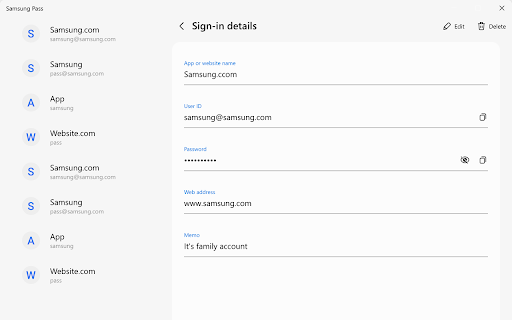
Samsung Pass Chrome Extension Analysis
Privacy, Security & Ad BlockersChrome extension ID: ikbdppgmbnfncggibmidpeoklmbbmpbb
Samsung Pass is a Chrome extension designed to facilitate automatic logins on a PC using credential data synced from a user's Samsung mobile or tablet device. It aims to provide a seamless cross-device login experience for Samsung users on their Windows computers, provided specific system requirements are met.
Overview
Installs
50K+
Rating
★ 1.5
121 reviews
Languages
22 locales
Includes Deutsch, English (United Kingdom), English (United States), Indonesia...
Market analysis
Review-backed positioning, friction, and market signals for this Chrome extension.
Macro category
Privacy, Security & Ad Blockers
Pricing friction
Low review signal
Complaint intensity
High review signal
Listing positioning
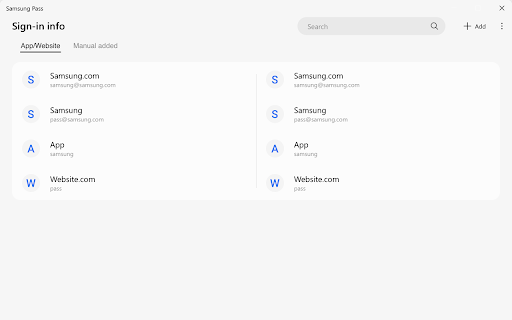
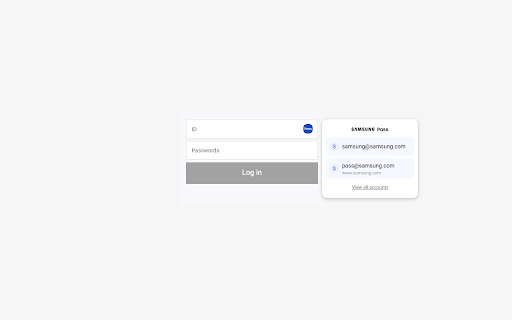
The store listing positions Samsung Pass as a solution to eliminate the need to remember login information, promising easier and faster logins on PC by syncing credentials from Samsung mobile or tablet devices. It targets users within the Samsung ecosystem, aiming to extend their mobile password management experience to their Windows PC.
Inferred product pattern
This extension functions as a proprietary bridge connecting Samsung's mobile password management service (Samsung Pass) to specific Windows PCs. It acts as an installer or trigger for a separate Windows application, rather than providing direct in-browser functionality, and seems highly dependent on specific Samsung hardware or ecosystem components.
Review-backed pain points
Users experience significant frustration and disappointment due to the extension's fundamental failure to deliver its promised functionality. The primary pain point is that the extension often acts as a non-functional redirect to other software, which then fails to work due to undisclosed hardware requirements, even when basic system specifications are met. This leads to wasted effort and a perception of a deceptive product.
Observed feature gaps
The extension primarily serves as an installer or redirect to an external Windows application rather than directly providing password management or auto-fill features within the browser itself. A major feature gap is the lack of clear and upfront communication in the store listing about specific Samsung PC hardware requirements, leading to widespread incompatibility and user frustration.
- Samsung mobile and tablet users who also use a Windows 10 PC with Chrome browser
- Users seeking to synchronize their Samsung-ecosystem login credentials across devices for convenience
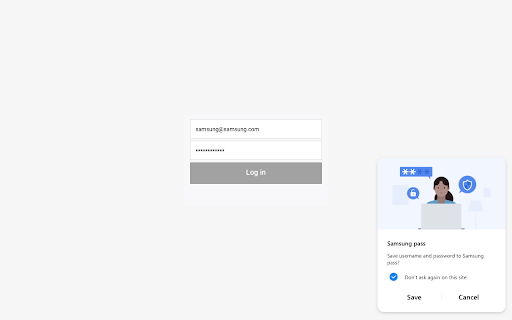
- Automatically filling login information on websites in Chrome on a PC
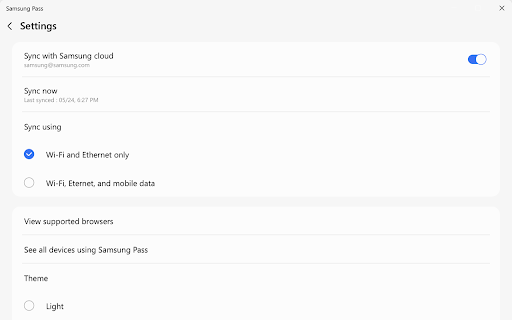
- Syncing existing Samsung Pass credentials from mobile/tablet to PC
- Streamlining the login process for Samsung device owners
- Review-backed positive themes are not available as all helpful reviews provided are low-rated.
- Extension does not function directly but acts as a redirect to download additional, often incompatible, software from the Microsoft Store.
- Undisclosed or unclear hardware requirements (e.g., specific Samsung PCs like Galaxy Book) lead to the extension being unusable for many users.
- Failure to work even when listed technical requirements (Windows 10, TPM 2.0, Windows Hello) are seemingly met.
- Frustration with Samsung's restrictive policy, perceived as a 'walled garden' approach limiting cross-device utility.
- Perceived as 'useless,' 'a joke,' or 'a lie' due to fundamental lack of functionality and misleading nature.
- Performance complaints detected
- Review-backed pricing friction is not available as all user complaints focus on the product's inability to function, not its cost or monetization model.
Support
Reviews imply a lack of adequate support or transparent communication from Samsung, as users report confusion and wasted effort trying to make the extension work. There are no direct complaints about support channels, but rather about the product's inherent flaws and the developer's perceived indifference.
Reliability
Reviews indicate severe reliability issues, with the extension frequently failing to operate as intended, even for users who meet the stated system requirements. Users describe the extension as 'not working,' 'inutile,' and a 'joke,' highlighting a fundamental breakdown in its promised functionality.
Privacy
Review-backed privacy complaints are not available.
- No clear monetization signal
- Account required for core usage
- No clear pricing signal
Store listing facts
- Screenshots: 5
- Videos: 0
- Languages: 22
- Developer contact
- Version: 6.3.2.0
- Size: 2.52MiB
- Last updated:
Listing SEO keywords
Core discovery
Comparison
Problem
Alternative
Similar extensions
Jump to related discovery paths:
Screenshots