Viewport Resizer: Ultimate Device Emulator & Website Testing Tool icon

Viewport Resizer Chrome Extension Analysis

Developer & Designer Tools

Store listing title: Viewport Resizer: Ultimate Device Emulator & Website Testing Tool

Chrome extension ID: kapnjjcfcncngkadhpmijlkblpibdcgm

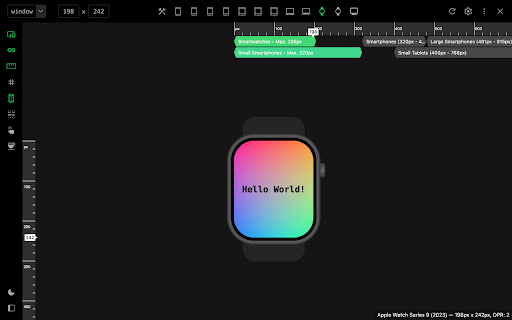
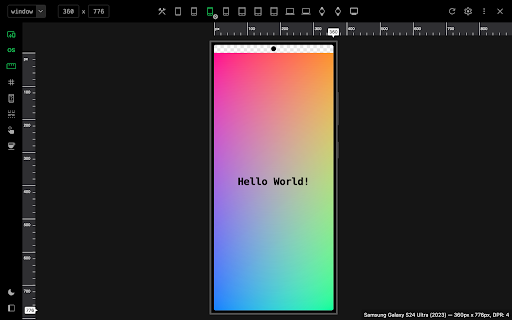
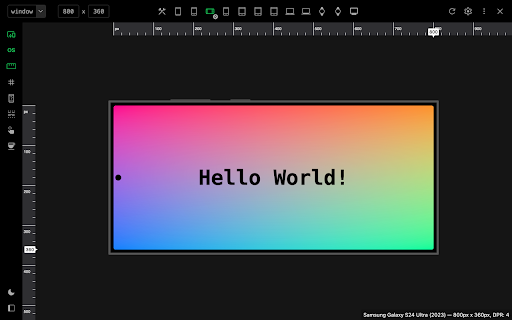
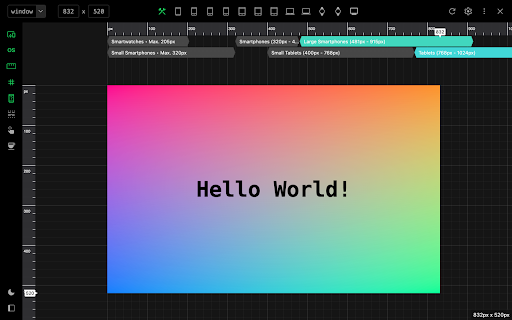
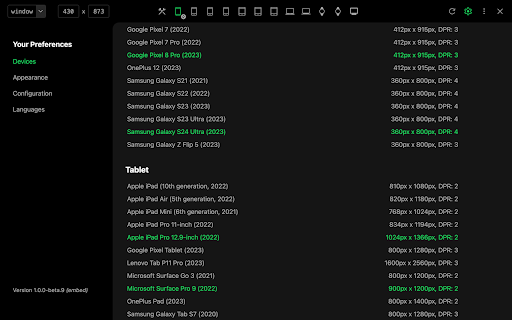
Viewport Resizer is a browser extension that allows developers to test how websites look and behave across multiple device resolutions and screen sizes. It emulates mobile, tablet, wearable, and desktop viewports directly inside the browser window. Users can scale screens, simulate touch events, and customize mockups to streamline responsive web design debugging.

Version:2.0.4
Size:134KiB
Last updated:

Overview

Installs

80K+

Rating

★ 4.2

286 reviews

Languages

41 locales

Includes Deutsch, English, Indonesia, Nederlands...

Market analysis

Review-backed positioning, friction, and market signals for this Chrome extension.

Backed by review samples

Macro category

Developer & Designer Tools

Pricing friction

Low review signal

Complaint intensity

Moderate review signal

Listing & review signals
Observed signals from store listing text and review samples.

Listing positioning

The store listing positions Viewport Resizer as an ultimate device emulator and web testing tool designed to help developers and designers perfect responsive layouts. It highlights professional-grade features such as touch fingerprint simulation, user-agent emulation, and breakpoint guides. Additionally, it promotes a unique 'Coffee Mode' presentation workspace and stresses that while comprehensive, it serves as a first-level approximation rather than a complete physical device replacement.

Inferred product pattern

Free browser-based testing utility simulating responsive viewports via user-agent and iframe/screen resizing rules.

Review-backed pain points

The most severe user pain point is the extension's failure to support localhost development, rendering it highly disruptive for active developer workflows. Additionally, users are frustrated that reloading pages (to see code changes) resets the extension, forcing them to manually reactivate it and reselect their desired viewport size every time.

Observed feature gaps

Reviews indicate a critical need for persistent configurations that survive page reloads, as well as native support for localhost addresses. Users also point out that the preset device list is outdated (e.g., still referencing iPhone 5), suggesting a gap in automated or community-driven device profile updates, along with the inability to save custom viewport presets.

Tags
Responsive TestingDevice EmulatorViewport ResizerDeveloper Tools
Target users

- Web Developers

- UI/UX Designers

- Front-End QA Engineers

- Web Design Agencies

Primary use cases

- Testing responsive CSS media queries and layouts

- Emulating diverse mobile and tablet screen resolutions

- Simulating mobile touch events and user-agents

- Presenting web design mockups to clients using Coffee Mode

Positive themes

- Resizes the viewport specifically rather than scaling the entire browser window

- Intuitive and clean interface layout

Negative themes

- Failure to function properly on localhost environments

- Extension state and active viewport size resetting upon page refreshes

- Intermittent unresponsiveness when clicking the extension icon

- Proportional viewport scaling instead of true native responsive resizing

- Outdated built-in device presets

Observed friction

- Performance complaints detected

- There are no pricing complaints or payment-related frictions observed in the listing or reviews, as the tool is offered for free.

Evidence boundary: Analysis is based on the official Chrome Web Store listing, product features (such as Coffee Mode and touch simulation), and a sample of 10 user reviews written in English, Spanish, German, Russian, French, and Italian, detailing technical bugs on localhost and viewport resetting behavior. The provided review sample exclusively contains 1 to 3-star ratings, which highlights complaints and feature gaps but lacks representations from 4 or 5-star positive review sentiments.
Complaint summaries
Review-backed complaint signals grouped by operational area.

Support

No direct complaints regarding customer support are present, though users note a general lack of recent product updates to address outstanding bugs and outdated device profiles.

Reliability

Users report multiple reliability issues, including the extension occasionally failing to load when clicked, breaking website CSS animations upon activation, and causing browser freezes or developer console bugs in Chrome.

Privacy

There are no privacy or security complaints mentioned in the user reviews.

Access & pricing

- Free usage observed

- No account requirement observed

- Free plan or free usage claimed

Store listing facts

Listing assets

- Screenshots: 5

- Videos: 0

- Languages: 41

Trust signals

- Developer contact

Store metadata

- Version: 2.0.4

- Size: 134KiB

- Last updated:

Listing SEO keywords

Search intent keywords
Keyword signals for evaluating how users may discover, compare, or search for this extension category.

Core discovery

viewport resizer extensionresponsive design simulatorchrome device emulatorwebsite screen test tool

Comparison

viewport resizer vs chrome devtoolsviewport resizer vs mobile simulator

Problem

how to test responsive design on localhostsimulate mobile screen in chrometest mobile viewport locally

Alternative

window resizer alternativemobile view extensionresponsive viewer

Similar extensions

Jump to related discovery paths:

Screenshots

Viewport Resizer: Ultimate Device Emulator & Website Testing Tool screenshot

Recommended Chrome extensions

Related listings from the same category, trending peers, and the same publisher portfolio.

Browse developer