Pointer - Element Inspector for DevTools icon

Pointer Chrome Extension Analysis

Developer & Designer Tools

Store listing title: Pointer - Element Inspector for DevTools

Chrome extension ID: keomkegfndepkhgeeediaeemebnnjafc

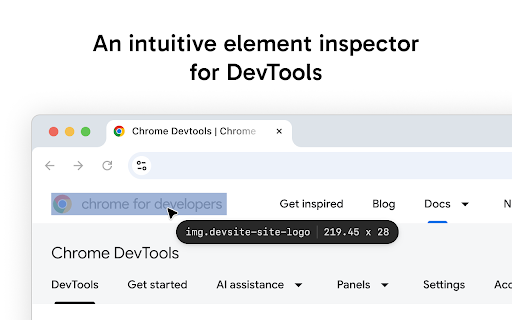
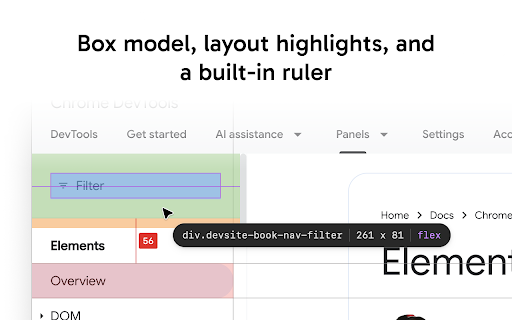
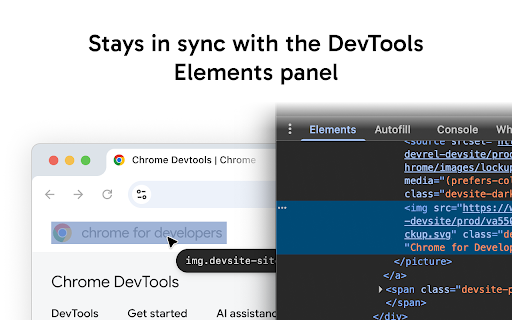
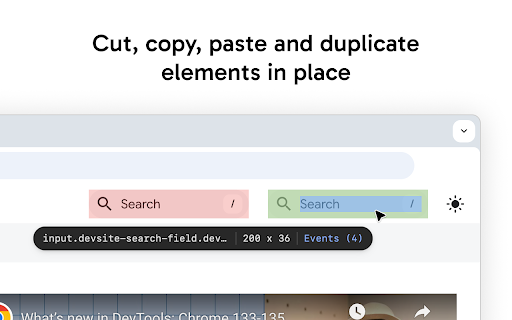
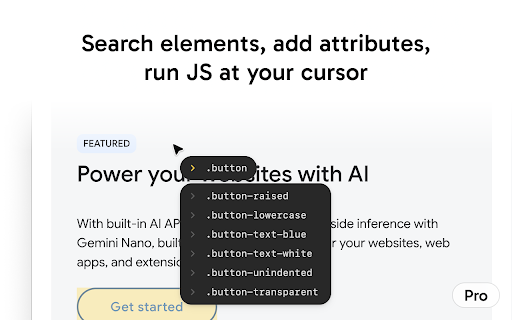
Pointer is a browser extension that enables continuous element inspection, visual box model overlays, and rapid DOM manipulation. It provides keyboard shortcuts for common tasks like cutting, pasting, and duplicating elements, along with pro features for inline attribute editing and direct console interaction.

Developer:Mr Violets
Version:1.0.3
Size:68.33KiB
Last updated:

Overview

Installs

198

Rating

★ 3.0

2 reviews

Languages

7 locales

Includes Deutsch, English, español, français...

Market analysis

Review-backed positioning, friction, and market signals for this Chrome extension.

Backed by review samples

Macro category

Developer & Designer Tools

Pricing friction

Low review signal

Complaint intensity

Moderate review signal

Listing & review signals
Observed signals from store listing text and review samples.

Listing positioning

Pointer positions itself as an enhanced version of Chrome's native DevTools inspector designed to eliminate repetitive reactivation. It emphasizes a persistent, keyboard-centric workflow that allows developers to navigate the DOM and manipulate elements with greater speed and efficiency.

Inferred product pattern

A developer-focused browser utility that wraps native DevTools functionality with custom keyboard shortcuts and a simplified UI layer.

Review-backed pain points

Reviewers have reported that the extension fails to function entirely.

Observed feature gaps

No feature gaps identified from text; limited review sample makes specific reliability gaps difficult to characterize beyond general failure.

Tags
Web DevelopmentDOM InspectorCSS DebuggingDeveloper ProductivityBrowser Tools
Target users

- Front-end Developers

- UI/UX Designers

- Web QA Engineers

Primary use cases

- Fast DOM element selection

- CSS layout debugging

- Quick DOM manipulation and reordering

- Pixel-perfect measurement of elements

Positive themes

- None available in current sample data.

Negative themes

- General functionality failure

Observed friction

- Performance complaints detected

- No specific pricing friction identified; listing mentions 'PRO FEATURES' but does not detail a payment gateway.

Evidence boundary: Data is derived from the Chrome Web Store listing and a single, low-rating user review indicating a failure to operate. The review sample size is extremely small, representing only one user, which may not reflect the experience of the broader user base.
Complaint summaries
Review-backed complaint signals grouped by operational area.

Support

No support complaints identified beyond the report of the tool not working.

Reliability

One user reported the extension does not work.

Privacy

None identified.

Access & pricing

- Free entry with paid features

- No account requirement observed

- Limited free usage observed

Store listing facts

Listing assets

- Screenshots: 5

- Videos: 0

- Languages: 7

Trust signals

- Developer contact

Store metadata

- Version: 1.0.3

- Size: 68.33KiB

- Last updated:

Listing SEO keywords

Search intent keywords
Keyword signals for evaluating how users may discover, compare, or search for this extension category.

Core discovery

Chrome DevTools extensioninspect DOM elementsweb development inspectorCSS debug tool

Comparison

Chrome DevTools vs PointerDOM inspector alternatives

Problem

DevTools inspector keeps closinginefficient DOM navigation

Alternative

Chrome element inspectorDOM tools for developers

Similar extensions

Jump to related discovery paths:

Screenshots

Pointer - Element Inspector for DevTools screenshot

Recommended Chrome extensions

Related listings from the same category, trending peers, and the same publisher portfolio.

Browse developer