SnapForm – Auto Fill Forms Instantly icon

SnapForm Chrome Extension Analysis

Automation & Workflow Efficiency

Store listing title: SnapForm – Auto Fill Forms Instantly

Chrome extension ID: ldcieacnkeoignogghnbdjgeefmdeadc

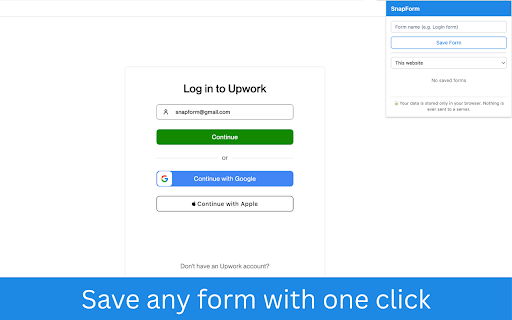
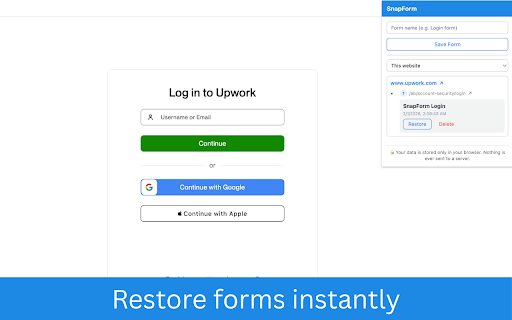
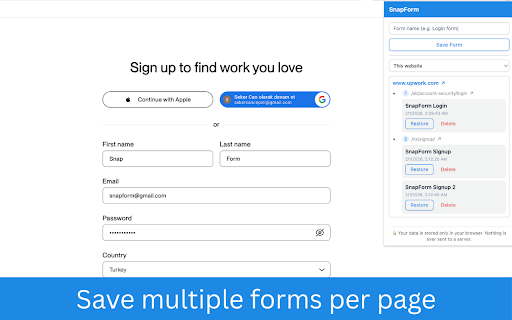
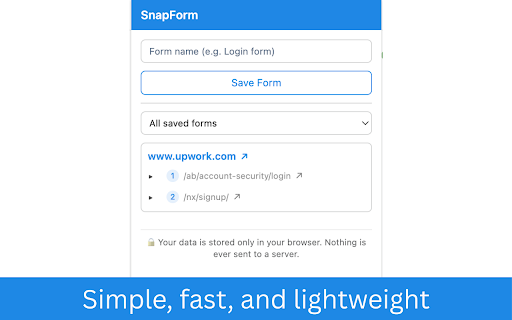
SnapForm is a browser extension that allows users to capture and save the current state of web form fields, including text areas, radio buttons, and checkboxes. Users can restore this captured data to the same web page with a single click, automating repetitive input tasks without requiring external accounts or cloud syncing.

Developer:Seker Can Cepni
Version:1.2.0
Size:80.09KiB
Last updated:

Overview

Installs

7

Rating

5.0

1 reviews

Languages

1 locales

Includes English

Market analysis

Review-backed positioning, friction, and market signals for this Chrome extension.

No review samples found

Macro category

Automation & Workflow Efficiency

Pricing friction

Low review signal

Complaint intensity

Low review signal

Listing & review signals
Observed signals from store listing text and review samples.

Listing positioning

SnapForm is positioned as a privacy-focused, lightweight browser utility designed to eliminate repetitive manual data entry. It highlights a simple 'save and restore' workflow that operates entirely locally within the browser, emphasizing ease of use for job applicants and administrative tasks.

Inferred product pattern

Local-first browser utility for state persistence of HTML form elements.

Review-backed pain points

Review-backed data is not available.

Observed feature gaps

No feature gaps identified from public listing; potential limitations regarding cross-browser syncing are inherent to the local-only design.

Tags
Form FillerAuto FillData EntryProductivity
Target users

- Job Applicants

- Administrative Assistants

- Web Developers

- QA Testers

Primary use cases

- Automating repetitive job application forms

- Quickly filling recurring administrative web forms

- Testing form validation during web development

Positive themes

No positive theme data.

Negative themes

No negative theme data.

Observed friction

- None observed; the product is positioned as a free local tool.

Evidence boundary: Analysis based on public Chrome Web Store listing details and feature descriptions provided by the developer. Review-backed data is not available due to lack of user submissions.
Complaint summaries
Review-backed complaint signals grouped by operational area.

Support

Review-backed data is not available.

Reliability

Review-backed data is not available.

Privacy

None observed; the listing explicitly claims all data is stored locally with no tracking or server-side communication.

Access & pricing

- Free usage observed

- No account requirement observed

- Free plan or free usage claimed

Store listing facts

Listing assets

- Screenshots: 4

- Videos: 0

- Languages: 1

Trust signals

- Developer contact

Store metadata

- Version: 1.2.0

- Size: 80.09KiB

- Last updated:

Listing SEO keywords

Search intent keywords
Keyword signals for evaluating how users may discover, compare, or search for this extension category.

Core discovery

auto fill formsbrowser form fillersave web form dataautomate form entry

Comparison

Autofill alternativesform filler extension

Problem

stop re-typing formsrepetitive data entry

Alternative

form filler for Chrome

Similar extensions

Jump to related discovery paths:

Screenshots

SnapForm – Auto Fill Forms Instantly screenshot

Recommended Chrome extensions

Related listings from the same category, trending peers, and the same publisher portfolio.

Browse workflow