Smart TV Emulator icon

Smart TV Emulator Chrome Extension Analysis

Developer & Designer Tools

Chrome extension ID: ldolgfmfhlgpgnmplmblipcdmojfhbld

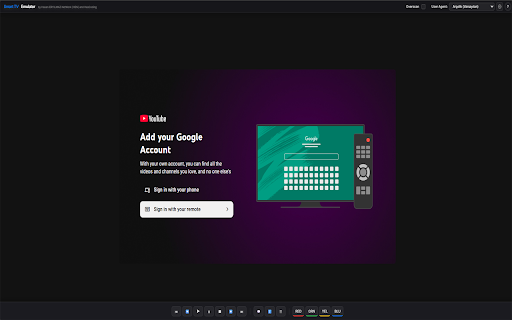
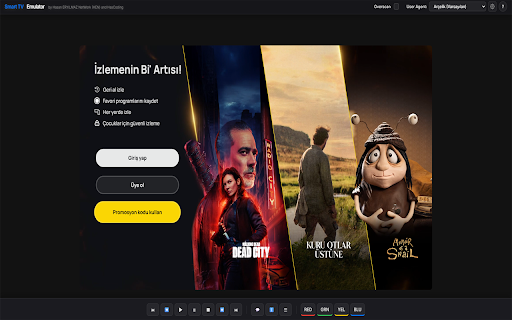
This is a browser-based developer tool designed to simulate a Smart TV environment for web app developers. It allows users to test interface constraints, keyboard navigation, and overscan behaviors within a standard desktop browser environment.

Version:1.5
Size:391KiB
Last updated:

Overview

Installs

5K+

Rating

★ 1.7

17 reviews

Languages

1 locales

Includes English

Market analysis

Review-backed positioning, friction, and market signals for this Chrome extension.

Backed by review samples

Macro category

Developer & Designer Tools

Pricing friction

Low review signal

Complaint intensity

High review signal

Listing & review signals
Observed signals from store listing text and review samples.

Listing positioning

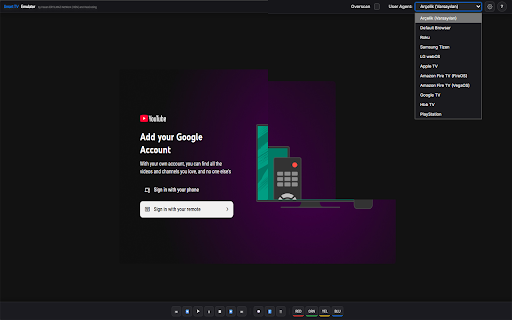
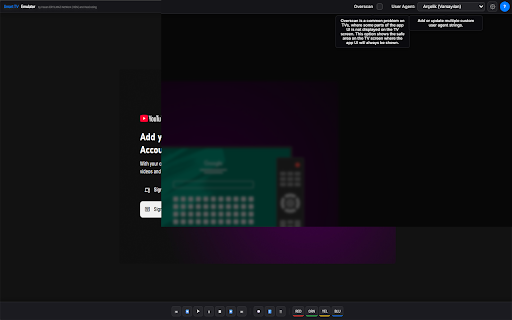
The extension positions itself as a specialized development utility for testing and debugging HTML5 applications specifically for Smart TV App Stores. It claims to emulate Smart Core version 4.0 environments, providing developers with key mapping, custom user agent support, and overscan visualization.

Inferred product pattern

Single-purpose developer utility that appears to be unmaintained or broken in current browser versions.

Review-backed pain points

Users consistently report that the extension does not start or initialize when clicked, rendering it completely non-functional for their development needs.

Observed feature gaps

Users express confusion over the scope of the tool, specifically expecting native Android TV services or specific OS support that the extension does not provide.

Tags
Smart TVWeb DebuggingEmulatorHTML5Developer Tool
Target users

- Web Developers

- Smart TV App Developers

Primary use cases

- Testing HTML5 Smart TV app layouts

- Debugging remote control key mappings

- Checking overscan safe areas

Positive themes

No positive theme data.

Negative themes

- Complete functional failure

- Inability to activate the extension

- Unclear installation/usage instructions

- Expectation mismatch regarding Android TV support

Observed friction

- Performance complaints detected

- None reported; the tool appears to be free, but users are frustrated by its lack of functionality.

Evidence boundary: Analysis is based on consistent user feedback indicating the product fails to initialize across multiple languages and timeframes. Reviews are overwhelmingly negative and date back several years, suggesting the extension may be abandoned or incompatible with modern browser updates.
Complaint summaries
Review-backed complaint signals grouped by operational area.

Support

Strong sentiment regarding the lack of usability, with multiple users reporting it simply 'does not work' or 'does not open'.

Reliability

The primary complaint is total failure of the extension to activate (icon color not changing) or provide any debugging interface.

Privacy

No privacy complaints identified.

Access & pricing

- Free usage observed

- No account requirement observed

- Free plan or free usage claimed

Store listing facts

Listing assets

- Screenshots: 4

- Videos: 0

- Languages: 1

Trust signals

- Privacy policy

- Developer contact

- Official website

- Support link

Store metadata

- Version: 1.5

- Size: 391KiB

- Last updated:

Listing SEO keywords

Search intent keywords
Keyword signals for evaluating how users may discover, compare, or search for this extension category.

Core discovery

Smart TV simulatorHTML5 TV app debuggerSmart TV emulator extensionweb development testing tool

Comparison

alternative to Vewd emulatorSmart TV debugging tools

Problem

extension not workingSmart TV emulator failed to starthow to use Smart TV emulator

Alternative

web development toolsbrowser debugging extensions

Similar extensions

Jump to related discovery paths:

Screenshots

Smart TV Emulator screenshot

Links

Recommended Chrome extensions

Related listings from the same category, trending peers, and the same publisher portfolio.

Browse developer