Font Picker icon

Font Picker Chrome Extension Analysis

Developer & Designer Tools

Chrome extension ID: mmjbimgpcbaegjiieojddickpjbdkeej

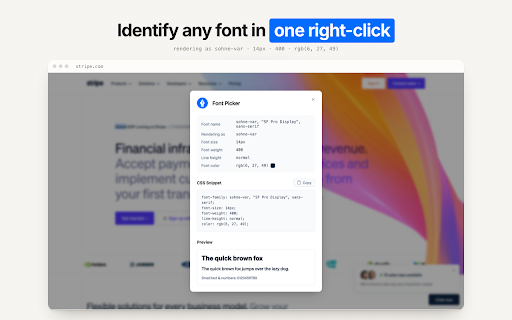
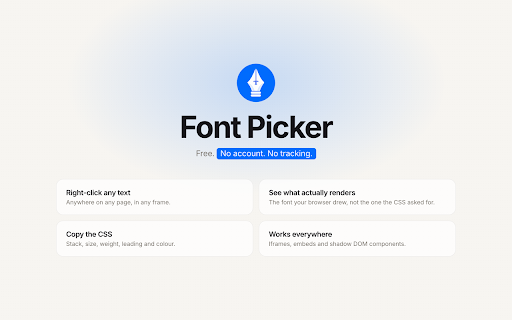
Font Picker is a browser extension that allows users to identify typography used on web pages. By right-clicking on text and selecting 'Font Details', users can view the specific font information in a popup.

Version:1.1.1
Size:105KiB
Last updated:

Overview

Installs

90K+

Rating

★ 3.5

75 reviews

Languages

1 locales

Includes English (United States)

Market analysis

Review-backed positioning, friction, and market signals for this Chrome extension.

Backed by review samples

Macro category

Developer & Designer Tools

Pricing friction

Low review signal

Complaint intensity

Moderate review signal

Listing & review signals
Observed signals from store listing text and review samples.

Listing positioning

The product is positioned as a clean and simple utility for identifying font details on any website. It is marketed as a faster and more user-friendly alternative to manually inspecting a site's source code.

Inferred product pattern

Single-purpose utility for web asset identification.

Review-backed pain points

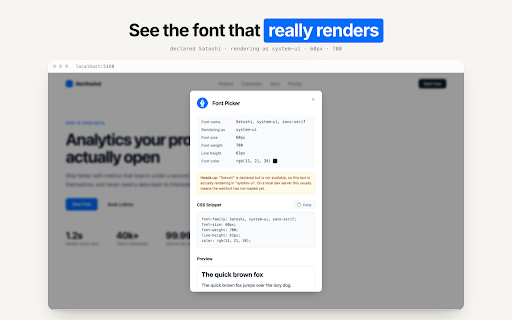
Numerous users report that the 'Font Details' option in the right-click menu does nothing when clicked. Some users also claim the tool incorrectly identifies various fonts as 'Roboto' or 'Sans-serif'.

Observed feature gaps

One user indicated that the extension previously allowed users to change fonts on a web page, a feature that appears to be missing in current versions.

Tags
Font IdentifierTypography ToolWeb DesignCSS Helper
Target users

- Web Designers

- Graphic Designers

- Frontend Developers

- Typography Enthusiasts

Primary use cases

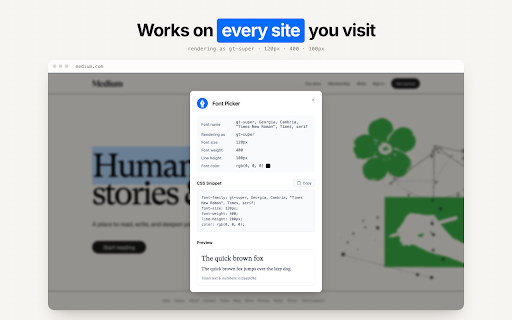
- Identifying fonts on websites

- Analyzing typography for design inspiration

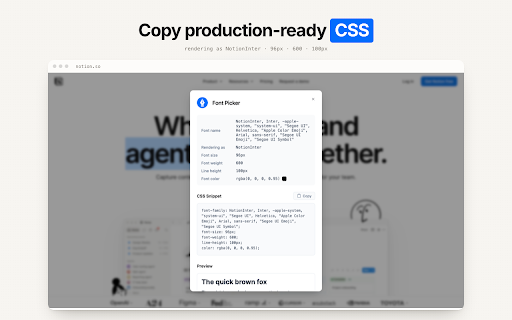
- Checking CSS font properties without using DevTools

Positive themes

- Highly useful for design professionals

- Efficient when working correctly

Negative themes

- Failure to launch/trigger

- Inaccurate font identification

- General lack of functionality

Observed friction

- Performance complaints detected

- No pricing friction observed; the tool appears to be free.

Evidence boundary: Analysis based on store listing data and a selection of helpful high and low rating reviews. The review sample provided is small relative to the total user base.
Complaint summaries
Review-backed complaint signals grouped by operational area.

Support

No direct support interaction complaints, though many users express frustration over the tool not working.

Reliability

Significant reliability issues reported, with many users stating the extension is non-functional across multiple websites despite following installation instructions.

Privacy

No privacy or security complaints observed.

Access & pricing

- Free usage observed

- No account requirement observed

- Free plan or free usage claimed

Store listing facts

Listing assets

- Screenshots: 5

- Videos: 0

- Languages: 1

Trust signals

- Developer contact

- Official website

Store metadata

- Version: 1.1.1

- Size: 105KiB

- Last updated:

Listing SEO keywords

Search intent keywords
Keyword signals for evaluating how users may discover, compare, or search for this extension category.

Core discovery

identify website fontswhat font is this extensionweb font identifier

Comparison

Font Picker vs WhatFontbest font identifier extension

Problem

how to find font on a websiteidentify typography on web page

Alternative

font finder chrome extensiontypography inspector tool

Similar extensions

Jump to related discovery paths:

Screenshots

Font Picker screenshot

Links

Website: paulkr.com

Recommended Chrome extensions

Related listings from the same category, trending peers, and the same publisher portfolio.

Browse developer