Screenshot Helper icon

Screenshot Helper Chrome Extension Analysis

Developer & Designer Tools

Chrome extension ID: bglibfjmlfdbdeofhmgmhblgpjldlikf

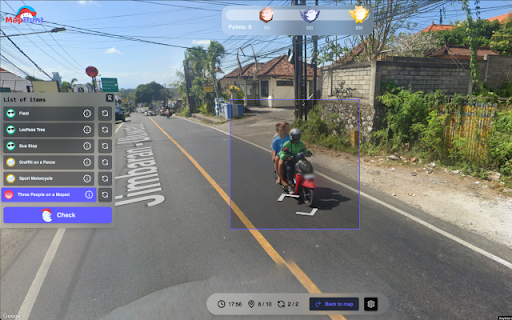
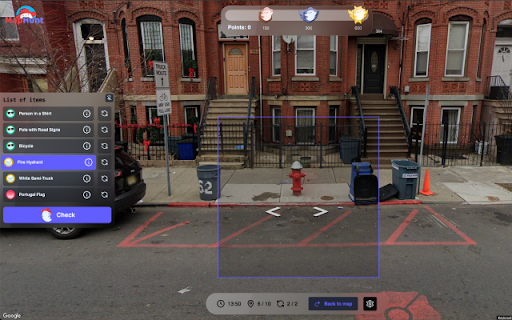
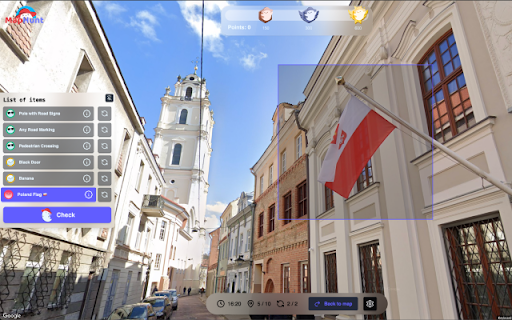
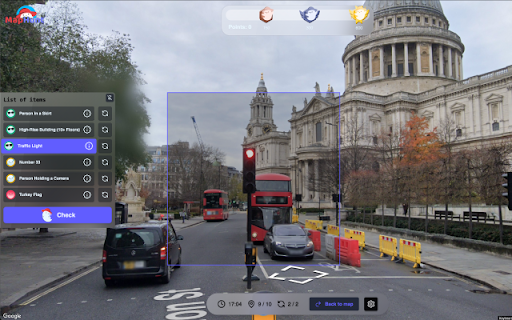
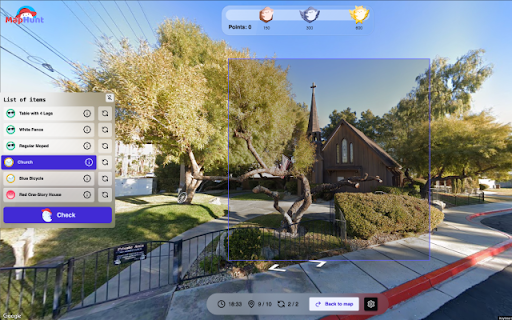
Screenshot Helper is a lightweight browser extension that enables users to capture specific regions of a webpage. It is explicitly marketed as a companion tool for the 'MapHunt' game and prioritizes an open-source, transparent code approach.

Developer:map.hunt.game
Version:0.0.3
Size:17.88KiB
Last updated:

Overview

Installs

60K+

Rating

★ 4.3

28 reviews

Languages

1 locales

Includes English

Market analysis

Review-backed positioning, friction, and market signals for this Chrome extension.

Backed by review samples

Macro category

Developer & Designer Tools

Pricing friction

Low review signal

Complaint intensity

Moderate review signal

Listing & review signals
Observed signals from store listing text and review samples.

Listing positioning

The store listing positions Screenshot Helper as a minimalist, open-source tool designed for precise area-based screen captures. It emphasizes speed, distraction-free usability, and integration with gaming scenarios and visual search tasks.

Inferred product pattern

Single-purpose open-source utility designed as a companion to an external gaming platform.

Review-backed pain points

Some users find the capture functionality restrictive, noting that it only supports square/rectangular selection.

Observed feature gaps

Lack of advanced selection shapes (e.g., freehand or circular) and potential lack of internal image editing tools.

Tags
Screenshot ToolOpen SourceProductivityUtility
Target users

- Gamers

- Visual content researchers

- Productivity enthusiasts

Primary use cases

- Webpage area screen capture

- Visual object identification

- Game-specific screen recording assistance

Positive themes

- Smooth operation for game-specific tasks

- Appreciation for open-source transparency

- Minimalist interface

Negative themes

- Limitation to rectangular capture areas

- High volume of nonsensical, spammy, or satirical reviews

Observed friction

- No pricing friction identified; product appears to be free and open-source.

Evidence boundary: Evidence is drawn from the developer-provided documentation, feature claims, and user review sentiment analysis. Review data is heavily saturated with non-functional, satirical, or spam content unrelated to the tool's actual performance.
Complaint summaries
Review-backed complaint signals grouped by operational area.

Support

No legitimate support complaints found; negative reviews consist of internet satire/trolling.

Reliability

Product is generally reported as working without functional technical issues.

Privacy

No specific privacy concerns raised in reviews; developer highlights open-source nature for transparency.

Access & pricing

- Free usage observed

- No account requirement observed

- Free plan or free usage claimed

Store listing facts

Listing assets

- Screenshots: 5

- Videos: 0

- Languages: 1

Trust signals

- Developer contact

- Official website

- Support link

Store metadata

- Version: 0.0.3

- Size: 17.88KiB

- Last updated:

Listing SEO keywords

Search intent keywords
Keyword signals for evaluating how users may discover, compare, or search for this extension category.

Core discovery

chrome screenshot extensionopen source screen captureminimalist screenshot tool

Comparison

screenshot helper alternativelightweight browser screenshot

Problem

how to capture area on screenfast screenshot tool

Alternative

screenshot utilitybrowser area capture

Similar extensions

Jump to related discovery paths:

Screenshots

Screenshot Helper screenshot

Links

Recommended Chrome extensions

Related listings from the same category, trending peers, and the same publisher portfolio.

Browse developer