SparkVault Network Inspector icon

SparkVault Network Inspector Chrome Extension Analysis

Developer & Designer Tools

Chrome extension ID: jpppgaholofkoejfbaehmjfpcdcllbcj

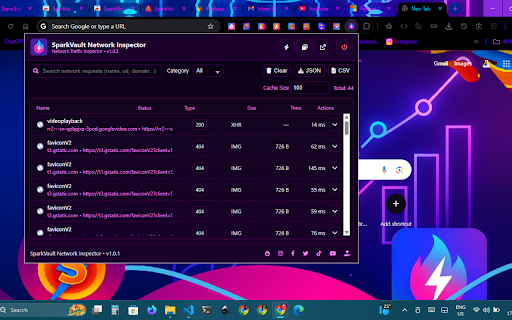
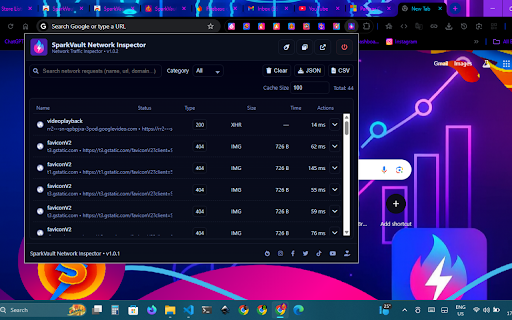
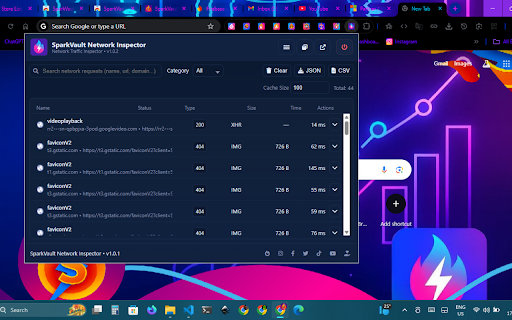
This Chrome extension allows users to monitor, analyze, and export browser network traffic in real time. It provides detailed inspection of request types like XHR, JS, and CSS, with support for JSON and CSV exports.

Version:1.0.2
Size:4.5MiB
Last updated:

Overview

Installs

50

Rating

5.0

7 reviews

Languages

1 locales

Includes English

Market analysis

Review-backed positioning, friction, and market signals for this Chrome extension.

Backed by review samples

Macro category

Developer & Designer Tools

Pricing friction

Low review signal

Complaint intensity

Low review signal

Listing & review signals
Observed signals from store listing text and review samples.

Listing positioning

SparkVault Network Inspector is positioned as a lightweight and intuitive alternative to standard browser developer tools. It emphasizes real-time visibility, easy request categorization, and professional-grade export capabilities for debugging and auditing.

Inferred product pattern

A utility-driven developer tool focused on providing a more accessible and visual interface for network traffic analysis compared to built-in browser dev tools.

Review-backed pain points

A user expressed a desire for a keyboard shortcut toggle option to improve workflow.

Observed feature gaps

Users have requested the addition of a shortcut toggle option.

Tags
Network InspectorTraffic MonitorDeveloper ToolAPI Debugger
Target users

- Developers

- IT Professionals

- Security Researchers

- QA Testers

- Data Analysts

Primary use cases

- Debugging APIs

- Monitoring network performance

- Auditing browser traffic

- Exporting network logs for reporting

Positive themes

- Clean and polished user interface

- Flawless real-time tracking

- Useful JSON and CSV export options

- Customizable visual themes

- Minimal performance impact

Negative themes

- Lack of keyboard shortcut toggles

Observed friction

- No pricing friction observed in the provided reviews.

Evidence boundary: Analysis based on the Chrome Web Store listing and 7 high-rating user reviews. The review sample size is small and contains only highly positive ratings.
Complaint summaries
Review-backed complaint signals grouped by operational area.

Support

No support-related complaints were found in the reviews.

Reliability

No reliability issues reported; users described the real-time tracking as flawless.

Privacy

No privacy complaints found; the listing states all data is processed locally.

Access & pricing

- No clear monetization signal

- No account requirement observed

- No clear pricing signal

Store listing facts

Listing assets

- Screenshots: 5

- Videos: 0

- Languages: 1

Trust signals

- Privacy policy

- Developer contact

- Official website

Store metadata

- Version: 1.0.2

- Size: 4.5MiB

- Last updated:

Listing SEO keywords

Search intent keywords
Keyword signals for evaluating how users may discover, compare, or search for this extension category.

Core discovery

Network Traffic MonitorChrome Network InspectorAPI Request LoggerBrowser Traffic Analyzer

Comparison

Chrome DevTools alternativeNetwork analyzer

Problem

inspect network requestsdebug API trafficexport network logs

Alternative

Network SnifferHTTP Request Monitor

Similar extensions

Jump to related discovery paths:

Screenshots

SparkVault Network Inspector screenshot

Links

Recommended Chrome extensions

Related listings from the same category, trending peers, and the same publisher portfolio.

Browse developer